Redirects for SEO
Redirects tell search engines and browsers that a URL has moved and where to send the request. The choice between a 301 and a 302 matters for SEO: a 301…
5 min read · updated 2026-08-10
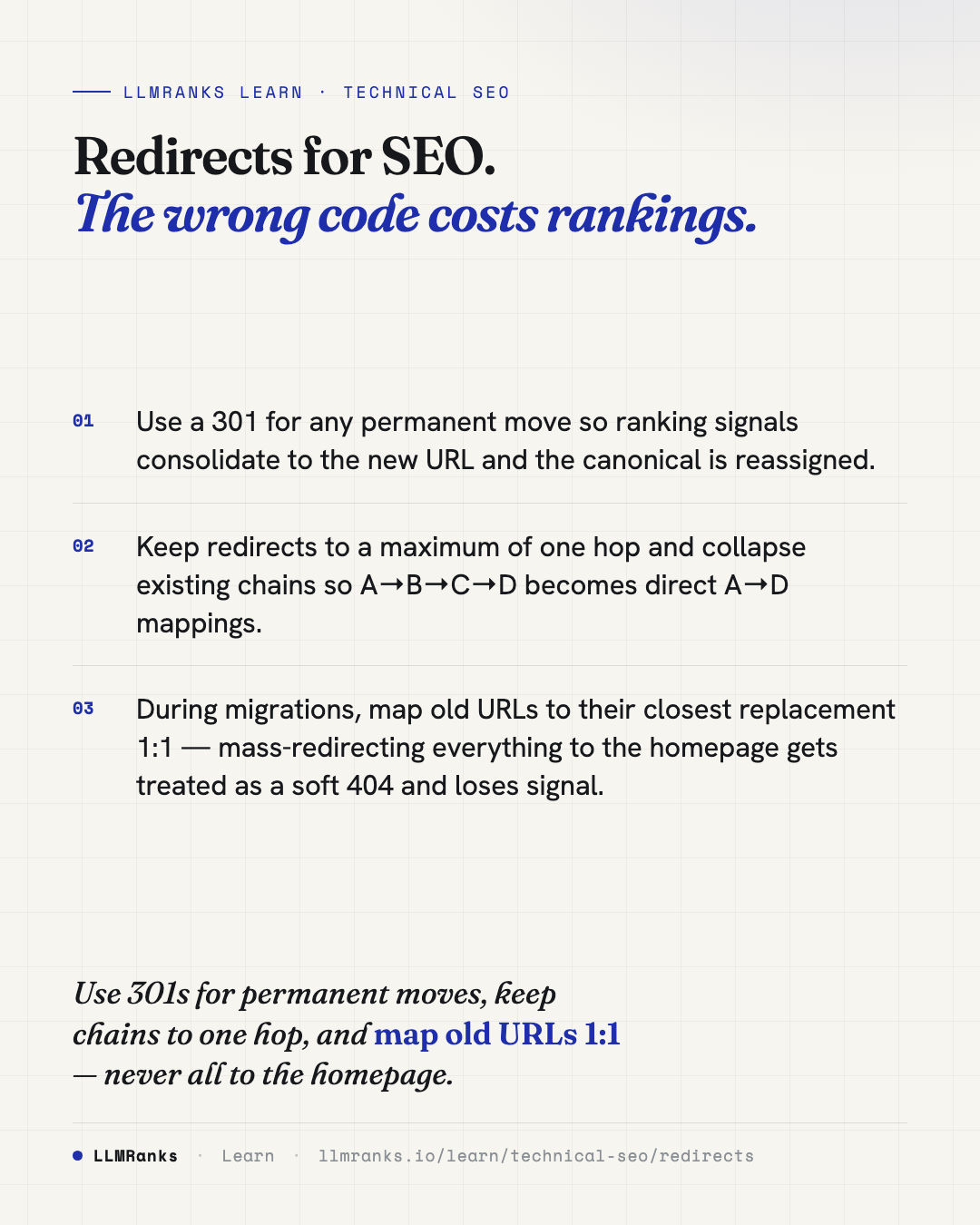
Redirects tell search engines and browsers that a URL has moved and where to send the request. The choice between a 301 and a 302 matters for SEO: a 301 (permanent) consolidates ranking signals to the new URL and reassigns the canonical, while a 302 (temporary) keeps indexing and signals on the original URL. Use a 301 for permanent moves and reserve 302 for genuinely temporary situations. Note that if a 302 stays in place long-term, Google eventually treats it like a 301 anyway.
301 vs 302 and the other status codes
The status code you return controls how search engines interpret the move. The two you'll reach for most are 301 and 302, but there are method-preserving equivalents and client-side options worth knowing.
| Code | Meaning | SEO behavior |
|---|---|---|
| 301 | Permanent | Full signal consolidation to target; canonical reassigned |
| 302 | Temporary | Source retains indexing/signals; target not canonicalized — but if a 302 persists long-term, Google treats it as a 301 |
| 307 | Temporary (HTTP/1.1, method-preserving) | Same SEO treatment as 302 |
| 308 | Permanent (method-preserving) | Same SEO treatment as 301 |
| 303 | See Other | Rare; avoid for content redirects |
meta refresh | Client-side | Slow, discouraged; an instant (0s) refresh is treated 301-ish but unreliable |
| JS redirect | Client-side | Followed only after render; weakest, slowest signal transfer |
The short version: 301 and 308 behave the same way for SEO, and 302 and 307 behave the same way. The 308 and 307 variants preserve the HTTP method, which matters for endpoints that receive POST requests.
When to use each
- Permanent moves → 301. Use 308 instead only when you need to preserve the HTTP method, such as a POST endpoint.
- Genuinely temporary → 302 or 307. A/B tests, maintenance windows, and geo-routing are the right fit.
- Prefer server-side redirects every time. A
meta refreshor JavaScript redirect should only be a last resort, because they're slower and transfer signals less reliably.
The reason the 301-versus-302 distinction matters is signal consolidation. A 301 tells search engines the old URL is gone for good, so its ranking signals should flow to the new URL. A 302 leaves those signals on the original URL. Picking the wrong one on a permanent move delays or loses that consolidation — though Google does self-correct once a "temporary" redirect has persisted long enough.
If you're planning a larger move, the URL Structure and Indexability guides cover how canonical assignment and indexing fit together.
Migrations: map old to new
The single biggest mistake in a site migration is redirecting everything to the homepage. Google treats a redirect to an irrelevant target as a soft 404, and the signal from the old page is lost.
Instead, map old URLs to their closest equivalent 1:1 wherever possible:
- A retired product should redirect to its replacement or its category page, not the homepage.
- Each old URL should land on the most relevant live page, not a generic catch-all.
- After the migration, update your internal links to point at the new URLs directly rather than relying on redirects to catch them.
That last point matters because leaving internal links pointed at old URLs forces a redirect hop on every crawl, wasting crawl efficiency. See Internal Linking for how link targets shape what gets crawled and how signals flow.
Redirect chains
A redirect chain is when one URL redirects to another, which redirects to another, and so on. Each hop costs a little crawl efficiency and a small amount of signal. Google will follow chains, but it defers long ones, and the exact hop limit isn't officially documented — treat anything beyond two or three hops as at risk of delayed or missed crawling.
The best practice is a maximum of one hop. If you have A→B→C→D, collapse it so that A→D, B→D, and C→D all point directly at the final target.
A common source of accidental chains is stacked infrastructure rules. A request that goes http → https → www → trailing-slash is three unnecessary hops before it even reaches content. Consolidate these into a single redirect where you can. Your HTTPS & Security Headers setup is often where the HTTPS-forcing rule lives.
When auditing chains, watch for:
- Any chain longer than one hop, treating more than three as an error.
- Protocol, host, and slash redirects stacking on top of each other.
- Redirects whose final target returns a 4xx or 5xx — a redirect that lands on an error page.
- Internal links pointing at redirecting URLs instead of the final destination.
Redirect loops
A redirect loop is a cycle: A→B→A, or a longer variant that eventually returns to a URL it already visited. Loops return no usable content. Browsers throw ERR_TOO_MANY_REDIRECTS, and Googlebot abandons the request entirely.
The usual cause is conflicting rules interacting. A force-HTTPS rule, a force-trailing-slash rule, and a canonical-host rule can each be correct on their own but combine into a cycle. Before you deploy, simulate the combined rule set — HTTPS, host, slash, and case normalization together — to catch loops in advance rather than in production.
Because loops make pages effectively uncrawlable, they're a Crawlability problem as much as a redirect problem.
What to do
- Use a 301 for every permanent move; switch to 308 only when you need to preserve the HTTP method.
- Reserve 302 or 307 for redirects that are genuinely temporary.
- Choose server-side redirects over
meta refreshor JavaScript redirects. - On migrations, map each old URL to its closest live replacement 1:1 — never blanket-redirect to the homepage.
- Collapse every redirect chain to a single hop, pointing all sources directly at the final target.
- Consolidate stacked protocol, host, and slash rules so they resolve in one redirect.
- Update internal links to point at final targets, not at URLs that still redirect.
- Check that no redirect ends on a 4xx or 5xx page.
- Simulate your combined redirect rules before deploying to catch loops early.
save this card
 Download card
1080×1350 · post it anywhere
put it to work
See how ChatGPT, Gemini and Google AI actually talk about your brand.