XML & HTML Sitemaps
XML and HTML sitemaps do different jobs, and they are not interchangeable. An XML sitemap is a discovery feed that tells search engines which URLs exist and…
6 min read · updated 2026-08-09
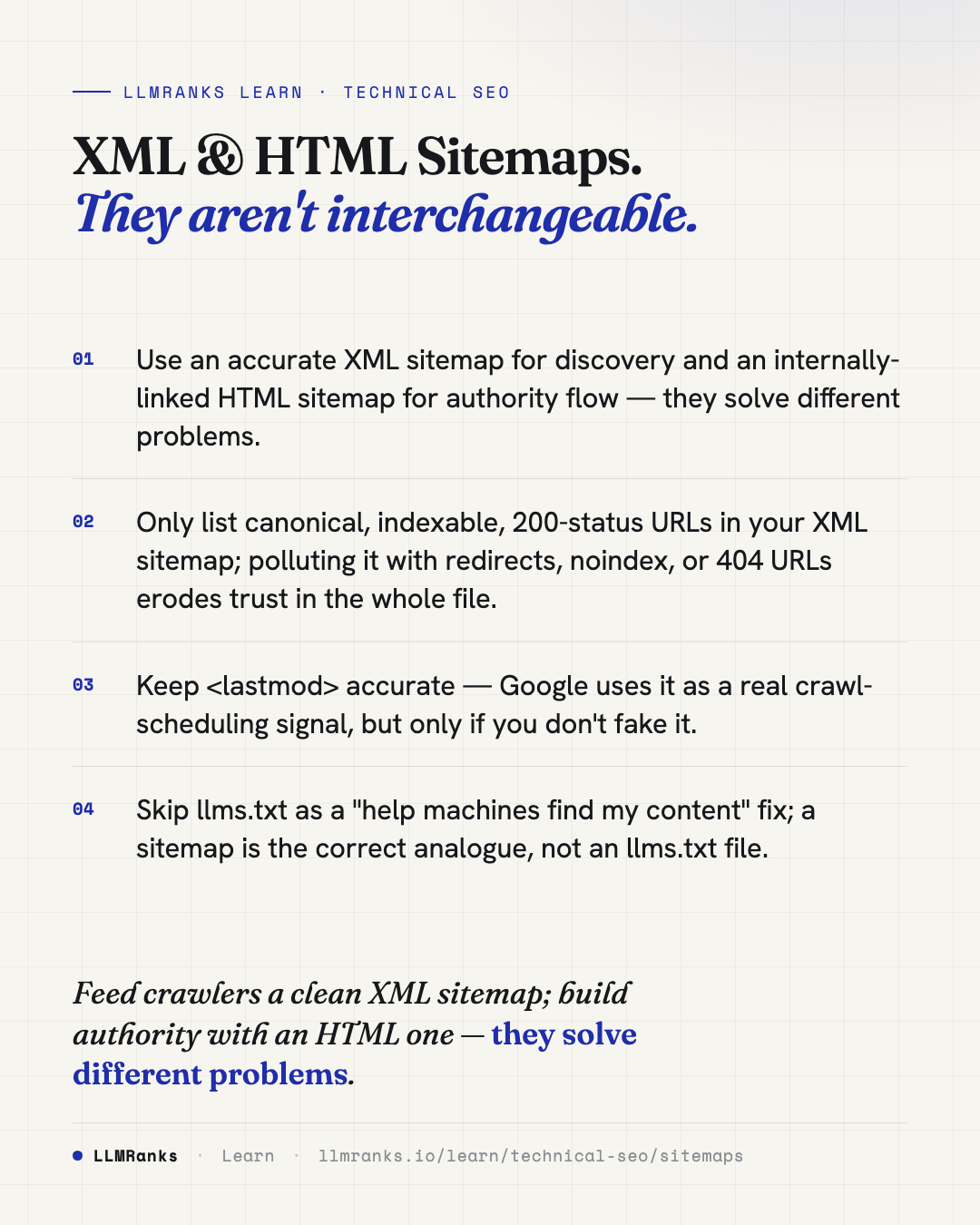
XML and HTML sitemaps do different jobs, and they are not interchangeable. An XML sitemap is a discovery feed that tells search engines which URLs exist and when they changed, but it passes no link authority. An HTML sitemap is a real crawlable page full of internal links, so it both receives and passes authority to the pages it links. For low- and mid-authority sites, the HTML sitemap is often the more useful of the two.
Discovery versus authority
The core distinction is what each sitemap can and cannot do.
An XML sitemap is metadata, not links on a rendered page. It lists which URLs exist and — through an accurate <lastmod> — when they last changed. It passes no link authority to those URLs. According to Google's sitemaps guidance, a sitemap helps most for very large sites, brand-new sites with few external links, or media-heavy sites; a small, well-internally-linked site may not strictly need one. Submitting an XML sitemap surfaces previously unindexed pages only when the site already has enough authority for Google to want them — it does not manufacture indexing on its own.
An HTML sitemap is a real page full of internal links. Because it is crawlable and linked, it receives PageRank and passes it on to every URL it links, and it gives a genuine crawl path. For low- and mid-authority sites this is often the cheapest way to push orphaned or "discovered / crawled – not indexed" pages over the indexing bar. Keep it linked from persistent chrome such as the footer; on larger sites, split it into themed hub pages ("Services", "Guides") that can themselves earn clicks and links.
| XML sitemap | HTML sitemap | |
|---|---|---|
| What it is | Discovery feed (metadata) | Real crawlable page |
| Passes authority | No | Yes |
| Best for | Large, new, or media-heavy sites | Pushing orphaned pages over the indexing bar |
| Where it lives | Submitted / referenced in robots.txt | Linked from footer or as themed hubs |
A note on llms.txt: it is not a sitemap substitute or a ranking/citation signal. Google's January 2026 AI guidance classifies it as unnecessary. If the goal is helping machines find your content, the right tool is a sitemap — XML for discovery, HTML for authority — not an llms.txt file.
XML sitemap structure
Follow these limits and rules for a clean, trusted XML sitemap:
- Size limits: Maximum 50,000 URLs or 50 MB uncompressed per file, whichever comes first. Gzip (
.xml.gz) is allowed, but the 50 MB limit applies to the uncompressed size. - Only include quality URLs: canonical, indexable, 200-status, self-referencing-canonical URLs.
- Encoding: UTF-8, with entity-escaped URLs (
&becomes&).
A minimal, correct entry looks like this:
<?xml version="1.0" encoding="UTF-8"?>
<urlset xmlns="http://www.sitemaps.org/schemas/sitemap/0.9">
  <url>
    <loc>https://example.com/products/widget-a</loc>
    <lastmod>2026-01-12T14:20:00+00:00</lastmod>
  </url>
</urlset>
lastmod, changefreq, and priority
Use W3C datetime format for <lastmod> (for example 2026-01-15T08:30:00+00:00). Google now uses <lastmod> as a genuine crawl-scheduling signal again — re-emphasised from 2024 onward — but only if it is accurate. Lying about it (for example, setting it to crawl time on every regeneration) trains Google to ignore it for your domain.
Google ignores both <changefreq> and <priority>. Don't bother computing them; they are harmless but do nothing.
Common mistakes
- Including non-canonical, redirected, noindex, or 404 URLs. This pollutes the sitemap and reduces Google's trust in it — Search Console reports these as "Submitted URL not selected as canonical" or "Submitted URL marked noindex".
- Setting
<lastmod>to the file-generation timestamp for every URL, which destroys the signal's value. - Listing URLs blocked by robots.txt — a direct contradiction.
- Mixing hosts or protocols within one sitemap (some
http://, somehttps://). - Exceeding limits silently: Google processes the first 50,000 URLs and drops the rest without an obvious error.
- Failing to reference the sitemap in robots.txt or submit it in Search Console.
One useful health check is coverage: compare the URLs in your sitemap against your total known canonical URLs. Canonical pages that are not in the sitemap point to orphan problems worth chasing down with internal linking.
Sitemap index files
Once you exceed 50,000 URLs, use a sitemap index file that references child sitemaps. The index itself caps at 50,000 sitemap entries and 50 MB.
Segment child sitemaps logically — by content type, by date, or by section — because segmentation enables diagnosis. Search Console reports indexing stats per submitted sitemap, so a "products vs blog" split lets you isolate which section has an indexing problem.
<?xml version="1.0" encoding="UTF-8"?>
<sitemapindex xmlns="http://www.sitemaps.org/schemas/sitemap/0.9">
  <sitemap>
    <loc>https://example.com/sitemaps/products-1.xml</loc>
    <lastmod>2026-01-12T14:20:00+00:00</lastmod>
  </sitemap>
  <sitemap>
    <loc>https://example.com/sitemaps/blog.xml</loc>
    <lastmod>2026-01-10T09:00:00+00:00</lastmod>
  </sitemap>
</sitemapindex>
Watch for these mistakes:
- Nesting indexes (index → index → sitemap). Only one level of indirection is supported.
- Cross-host children — child sitemaps on a different host than the index require verification of both hosts.
- A stale index
<lastmod>that doesn't reflect the newest child change; the index date should be at least as recent as your most recently changed child.
Media sitemaps: image, video, news
Image sitemaps
Add image entries inline to a URL, using the namespace xmlns:image="http://www.google.com/schemas/sitemap-image/1.1":
<url>
  <loc>https://example.com/products/widget-a</loc>
  <image:image>
    <image:loc>https://cdn.example.com/widget-a-hero.webp</image:loc>
  </image:image>
</url>
Since 2022, the <image:caption>, <image:title>, <image:geo_location>, and <image:license> tags are deprecated and no longer used by Google — only <image:loc> matters. If a tool still recommends caption or title tags, treat that as outdated advice. Image licensing is now signalled via structured data (schema.org/ImageObject with license/acquireLicensePage), not sitemap tags. You can list up to 1,000 images per page entry.
Video sitemaps
Use the namespace xmlns:video="http://www.google.com/schemas/sitemap-video/1.1". Required child elements are <video:thumbnail_loc>, <video:title>, <video:description>, and either <video:content_loc> (the actual video file) or <video:player_loc> (the embed URL).
<url>
  <loc>https://example.com/videos/demo</loc>
  <video:video>
    <video:thumbnail_loc>https://cdn.example.com/demo-thumb.jpg</video:thumbnail_loc>
    <video:title>Widget A Demo</video:title>
    <video:description>How to use Widget A</video:description>
    <video:content_loc>https://cdn.example.com/demo.mp4</video:content_loc>
    <video:duration>142</video:duration>
    <video:publication_date>2026-01-08T00:00:00+00:00</video:publication_date>
  </video:video>
</url>
<video:duration> is in seconds (1–28800) and <video:title> is capped at 100 characters. Back the entry with VideoObject structured data on the page for the richest treatment. Avoid pointing content_loc at a player page instead of the raw file, or at a paywalled/login-gated asset, and make sure thumbnails return 200 and are not blocked by robots.txt.
News sitemaps
News sitemaps exist for Google News inclusion and apply to publishers only. Namespace: xmlns:news="http://www.google.com/schemas/sitemap-news/0.9".
The single most-violated rule: only include articles published in the last 48 hours, and remove URLs older than two days. Retaining stale URLs causes Google News to distrust the feed. Cap each news sitemap at 1,000 URLs and update it continuously.
<url>
  <loc>https://example.com/news/story</loc>
  <news:news>
    <news:publication>
      <news:name>Example News</news:name>
      <news:language>en</news:language>
    </news:publication>
    <news:publication_date>2026-01-14T10:00:00+00:00</news:publication_date>
    <news:title>Breaking Story Headline</news:title>
  </news:news>
</url>
What to do
- Publish an accurate XML sitemap for discovery, and reference it in robots.txt and submit it in Search Console.
- Include only canonical, indexable, 200-status URLs; strip out redirects, noindex, and 404s.
- Set
<lastmod>honestly from real content changes — never to the file-generation timestamp. - Add an HTML sitemap linked from your footer to pass authority; on larger sites, break it into themed hub pages.
- When indexing is the problem, fix it with the HTML sitemap and internal linking first, before pinging, the Indexing API, or
changefreq/prioritytuning. - For sites over 50,000 URLs, use a single-level sitemap index and segment children by section so you can diagnose per-section indexing in Search Console.
- For media, drop deprecated image tags, keep
VideoObjectstructured data in sync, and prune news URLs older than 48 hours. - Don't rely on
llms.txtto help machines find your content — a sitemap is the correct tool.
save this card
 Download card
1080×1350 · post it anywhere
put it to work
See how ChatGPT, Gemini and Google AI actually talk about your brand.