Agent layer
The Agentic Web
A new kind of visitor now arrives at your site: not a person and not a search crawler, but an autonomous AI agent driving a real browser session on a user's…
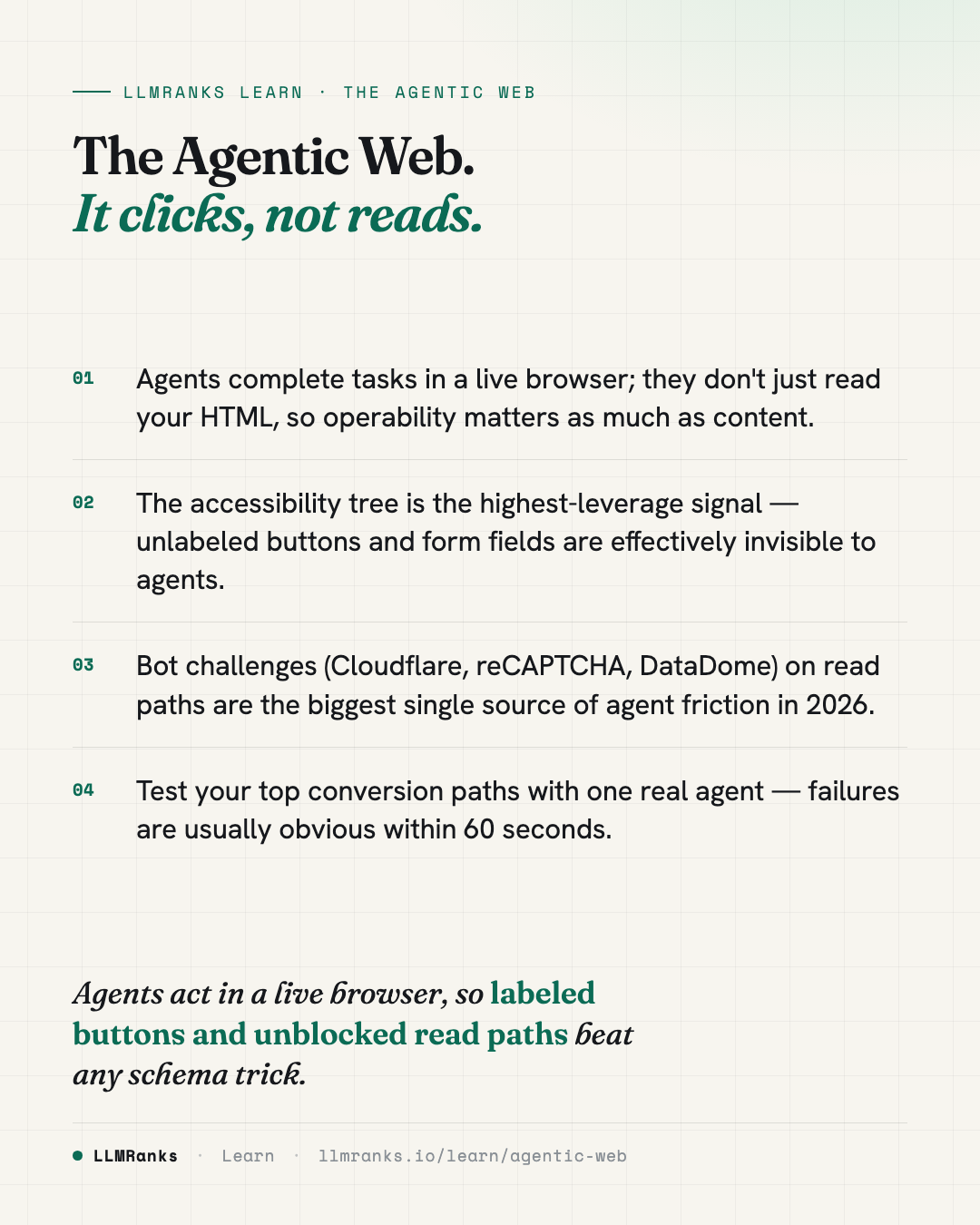
A new kind of visitor now arrives at your site: not a person and not a search crawler, but an autonomous AI agent driving a real browser session on a user's behalf. These agents render your pages, read the accessibility tree, take screenshots, and then click buttons, fill forms, and complete checkouts to finish a task. Making your site usable by them is mostly the same work as making it accessible to people — clean semantics, labeled controls, operable forms — plus removing the barriers that block automated browsers. There's little new revenue to prove yet, but the cost of preparing is low and the cost of being unprepared rises as adoption grows.
The shift from crawlers reading to agents operating
Through 2024, AI-search optimization assumed one interaction model: a crawler fetches HTML, a model reads it, and the user sees text. That model still dominates volume, but a second model is now shipping in production at every major lab — autonomous agents that browse a real browser session on the user's behalf. These are operators, not crawlers. They render pages, parse the DOM and accessibility tree, take screenshots, identify interactive elements, and drive the page to completion.
Google's January 2026 AI optimization guide named this as a forward-looking concern: "preparing for agentic experiences — autonomous AI agents that may interact with websites through DOM inspection and accessibility trees." Google rarely surfaces forward-looking advice, so when it does, the trend is already material.
Several products embody this today (a fast-moving target as of 2026):
| Product | Lab | Mechanism |
|---|---|---|
| Operator | OpenAI | Cloud browser, screenshots + DOM |
| ChatGPT Atlas browser | OpenAI | Chromium fork with built-in agent |
| Computer Use | Anthropic | Screenshot + DOM + accessibility tree |
| Claude for Chrome | Anthropic | Browser extension |
| Project Mariner / Gemini Agent | Chrome-native; DOM + a11y tree favored over screenshots | |
| Comet | Perplexity | Chromium-based agent browser |
| Copilot agents in Edge | Microsoft | Edge-integrated, leans on accessibility APIs |
What unites them is that the user is no longer interacting with your site — an LLM is, often invisibly to your analytics. The agent may rotate user-agent strings, render in a headless context, or proxy through the lab's own infrastructure. Your bot detection sees "weird Chrome"; your funnel sees high bounce and no tracked clicks.
How an agent sees a page versus how a crawler does
This is the critical mental model: the two pipelines are fundamentally different.
Crawler reads
- HTML markup
- Plain text
- Outbound links
Agent drives
- Clicks & navigates
- Fills out forms
- Compares & checks policies
A crawler like Googlebot or ClaudeBot fetches HTML, parses text, links, and schema, builds a content representation, then stores and embeds it for later retrieval. Its goal is to extract meaning to cite later. What matters there is clean HTML, server-rendered or hydration-ready markup, schema, and semantic structure — the same concerns covered under Technical SEO and Structured Data & Schema.
An agent works differently. It loads the page in a real browser, waits for full render and network idle, then captures three artifacts in parallel: the rendered DOM, the accessibility tree (roles, names, descriptions, states — what a screen reader would consume), and a screenshot for vision reasoning. It then identifies interactive regions, decides a next action, and drives the browser — clicking, typing, scrolling, and awaiting new state. Its goal is to complete a task; reading is incidental.
The practical bar: an agent must do in 30 seconds what a screen-reader user could do in five minutes. It is impatient, and unlike a human it does not learn your site's quirks across visits. For a deeper look, see How AI Agents See Your Site.
What determines whether an agent can use your site
The single highest-leverage signal is accessibility tree quality. Every major agent reads the tree first and falls back to the screenshot only when the tree is ambiguous. A clean tree means:
- Every button has an accessible name — visible text, an
aria-label, oraria-labelledby. Icon-only buttons without a label are invisible to the agent. - Every form field has a
<label for>association oraria-label, so the agent fills "email" because the field resolves to "email," not because it's the third input in DOM order. - Landmark roles are present and correct: one
<main>, plus<nav>,<header>,<footer>, so agents can skip chrome and find the primary action. - ARIA states like
aria-expanded,aria-pressed, andaria-currentare accurate. - Roles match behavior. A
<div>with onlyonclickis invisible; a real<button>works everywhere.
Favor semantic HTML over ARIA retrofits. Native elements — <button>, <a href>, <input>, <select>, <label>, <form>, <nav>, <main>, <dialog>, <details>/<summary>, <table> — carry implicit semantics that work in every agent and every assistive technology. This overlaps closely with On-Page SEO practices around clean structure.
Focus and keyboard operability. Agents simulate keyboard navigation more than mouse coordinates because keyboard sequences are deterministic across viewport sizes and animations. Every interactive element should be Tab-reachable in a sensible order, focus should stay visible, and a skip-to-content link helps agents jump past navigation. Manage focus on route changes and modal open/close, and implement standard keyboard patterns for custom widgets.
Modals and dialogs are where agents most often get stuck. Use the <dialog> element where supported, or implement role="dialog" aria-modal="true" with a focus trap, Escape to close, and focus return to the trigger. Never use a styled <div> overlay with no role — agents either click through it or get trapped. Cookie banners, newsletter pop-ups, and region selectors are the worst offenders: if dismissal isn't Tab-reachable or visible in the tree, the agent abandons.
Anti-bot interstitials are the biggest agentic-friction signal in 2026. Cloudflare Turnstile, reCAPTCHA, DataDome, PerimeterX, Imperva, and Kasada all block or slow agents, which look like headless or atypical browsers. Many agents also route through datacenter IPs that reputation feeds flag. The workable posture: allowlist published agent infrastructure ranges where you can, and move challenges to checkout, write, or login flows rather than read paths. An agent reading your pricing or catalog should never see a challenge.
Conversion path depth, forms, stability. Agents lose patience faster than humans. Keep pricing one click from the homepage, contact or demo one to two clicks, and signup a single-page form rather than a wizard. Forms are the highest-friction surface: use one field per concept, explicit <label for> (not placeholder-only), native input types, programmatic required indicators, and errors linked via aria-describedby. Avoid CAPTCHA on non-transactional forms, and keep server-side validation so a slightly malformed submission doesn't trap the agent. Finally, keep the page stable — avoid long hero animations, minimize layout shift, and reflect SPA route changes in <title> and <h1> synchronously. See Agent-Readiness for the full checklist.
What breaks agents
These anti-patterns are ranked roughly by observed frequency of agent failure in 2025–2026:
- Icon-only buttons without
aria-label— invisible. - Cloudflare or reCAPTCHA on landing pages — gated.
- Cookie banners that block interaction and aren't Tab-reachable.
- Hover-only navigation submenus the agent can't reveal.
- Custom datepickers and dropdowns without keyboard support.
- Multi-step wizards with no progress indicator or skip.
- Hidden-but-focusable elements (
display: nonestill in tab order). - Lazy-loaded critical content (CTAs, pricing) with no prefetch.
- Inline errors without
aria-describedby. - Region or locale interstitials gating the whole site.
- Auto-playing video or audio disrupting the reasoning loop.
- JavaScript-only links (
href="#"with click handlers). - CAPTCHA before checkout that doesn't render in the agent's context.
- Server-side markup that omits ARIA added only after hydration.
More detail lives in What Breaks AI Agents.
Detecting agent traffic
Agent traffic is hard to attribute today. Most agents proxy through provider infrastructure with rotating user-agents; some identify themselves (ChatGPT-User, Anthropic-User, Google-Mariner, Comet) and some don't; and browser fingerprinting often flags them as headless Chrome, which then gets blocked.
Signals worth watching in server logs and analytics:
- User-agent strings for the agents named above.
- Published IP ranges from OpenAI, Anthropic, and Google.
- Anomalous session shapes — deep pages with no homepage referrer, complex flows completed in under 60 seconds.
- A drop in conversion rate concurrent with a rise in "strange browser" hits in your bot dashboard.
For methods and caveats, see Detecting AI Agent Traffic.
What this isn't, and how to frame it
Several common ideas are not what Google means by agentic experiences. Building an MCP server is about tools an agent calls directly; an llms.txt file is a curated content index — both are separate from whether an agent can operate your site as-is. Structured data helps crawlers and AI engines understand meaning but isn't the main lever for operability. Core Web Vitals overlap but aren't the same: agents tolerate a slow page if it's operable and struggle on a fast page that's <div> soup. And AI Mode citations are a retrieval surface, not a browser session. These distinctions are unpacked in Agentic-Readiness Myths; related surfaces are covered in AEO & GEO and AI Search Engines.
When explaining this to stakeholders, don't sell it as a new SEO category — it's accessibility plus measurement. Frame it as forward-looking: most sites won't see direct revenue from agent traffic in 2026, but the same fixes improve human accessibility and conversion rate. Be honest about uncertainty. No major lab publishes agent traffic data, and there's no established test proving an agent-friendly site converts a specific amount better; the case is partly defensive and partly forward-looking. This fits the broader trajectory described in SEO in 2026.
What to do
- Audit your homepage and primary conversion paths for the failures above — icon-only buttons, hover-only nav, bot challenges, and label-less forms.
- Fix the highest-traffic conversion path first (pricing → signup, or product → checkout), where agents are most likely to land.
- Move bot challenges off read paths so agents browsing your blog or pricing never hit an interstitial.
- Document a unique, descriptive accessible name for every interactive element on conversion pages.
- Confirm a single
<main>landmark and correct landmark roles are present on key pages. - Test your top three conversion paths with one real agent and fix whatever fails within the first minute.
save this card
 Download card
1080×1350 · post it anywhere