Schema Validation Tools
A schema markup validator checks whether your structured data is correct — but there is no single tool that covers every use case. Google's Rich Results…
5 min read · updated 2026-08-02
A schema markup validator checks whether your structured data is correct — but there is no single tool that covers every use case. Google's Rich Results Test tells you what Google will render, the Schema Markup Validator at validator.schema.org checks conformance against the schema.org vocabulary, and neither one tells you what an AI answer engine actually extracts. In 2026, validating for AI search means testing all three layers: rich-result eligibility, spec conformance, and real extraction.
The tools and what each one is good for
Each validator answers a different question. Picking the wrong one wastes time and can leave you confident about markup that no engine cares about.
| Tool | What it checks | Notes |
|---|---|---|
| Google Rich Results Test | Eligibility for Google rich results | Authoritative for what Google renders. Tests the rendered DOM. FAQ/HowTo support was dropped between 2024 and 2026. |
| Schema Markup Validator (validator.schema.org) | Conformance to the schema.org vocabulary | Validates regardless of Google support. Use for non-Google AEO targets. |
| Google Search Console → Enhancements reports | Live monitoring at scale | Lagging (days) and aggregate. The FAQ report was removed mid-2026. |
| Schema.org's own validator | Vocabulary correctness | Gives no rich-result opinion. |
| Bing Webmaster Tools markup validator | Bing/Copilot eligibility | Increasingly relevant for Copilot citations. |
| LLM-extraction harness | AEO testing | Build your own: feed a page to an LLM API and check the entity data it extracts. |
The important split here is between conformance and eligibility. A conformance validator tells you the markup is syntactically valid schema.org. An eligibility tool tells you a specific engine will actually do something with it. Those are not the same question, and passing one does not guarantee the other.
Eligibility vs conformance
The Google Rich Results Test is authoritative for one narrow thing: what Google renders as a rich result. Because it tests the rendered DOM, it reflects the page after JavaScript runs — which matters if your markup is injected client-side. But its scope is limited to formats Google still supports, and that list shrinks over time. FAQ and HowTo support was dropped across 2024–2026, so passing the test for those types no longer means anything visible in Google.
The Schema Markup Validator at validator.schema.org takes the opposite view. It checks your markup against the schema.org vocabulary itself, with no opinion about whether Google or anyone else will surface a rich result. That makes it the right tool when your target is a non-Google engine or an AI answer surface, where broad vocabulary correctness matters more than one search engine's feature list.
If you want to understand which structured-data formats you should be emitting in the first place, see JSON-LD vs Microdata vs RDFa and Schema Types That Matter.
Monitoring at scale
For live monitoring across many pages, Google Search Console's Enhancements reports show aggregate structured-data status. The tradeoff is speed and detail: the data lags by days and is aggregated, so it is a monitoring surface rather than a debugging tool. Treat it as a way to catch drift across a large site, not as fast feedback while you edit a single page. Note also that the FAQ enhancement report was removed mid-2026, so those results no longer appear there.
Bing Webmaster Tools includes its own markup validator focused on Bing and Copilot eligibility. As Copilot citations become more relevant, checking your markup there is worth the extra step — especially if you already see referral or citation activity from that surface.
Why validators alone don't cover AI search
Here's the gap: every tool above validates markup. None of them tells you what an AI answer engine actually pulls out of your page. For that, the only real approach is to test extraction directly.
That means building your own harness: feed a page to an LLM API and check what entity data it extracts. Compare that against the facts your markup claims. If the model quotes something different from what your structured data asserts, your markup is not doing the job you think it is.
This is also why validation for AI search is a different discipline from rich-result testing. For the broader picture of how structured data feeds AI answers versus classic rich results, see Rich Results vs LLM Citations and the markup approaches in AEO Markup Patterns.
Building a validation workflow that catches real problems
A thorough validation pass parses the page the way a non-JavaScript crawler would — using the server HTML only. From that HTML you extract the JSON-LD blocks, resolve the @graph and every @id reference, and flag any dangling references where an @id points to nothing. Broken references are a common, silent failure that browser-based rich-result tests can mask because they run JavaScript.
The highest-value step comes last. Fetch what each engine actually quotes, then diff the facts your markup claims against the facts visible in the page's text. Mismatches between markup and visible text are your most important findings — they are the issues most likely to mislead an engine, and they carry manual-penalty risk. A price, rating, or author in your JSON-LD that contradicts the on-page text is worse than missing markup.
This connects markup validation to broader Technical SEO hygiene and to Structured Data & Schema as a whole. Validation is not a one-time checkbox; it's part of keeping claims and content aligned as pages change.
What to do
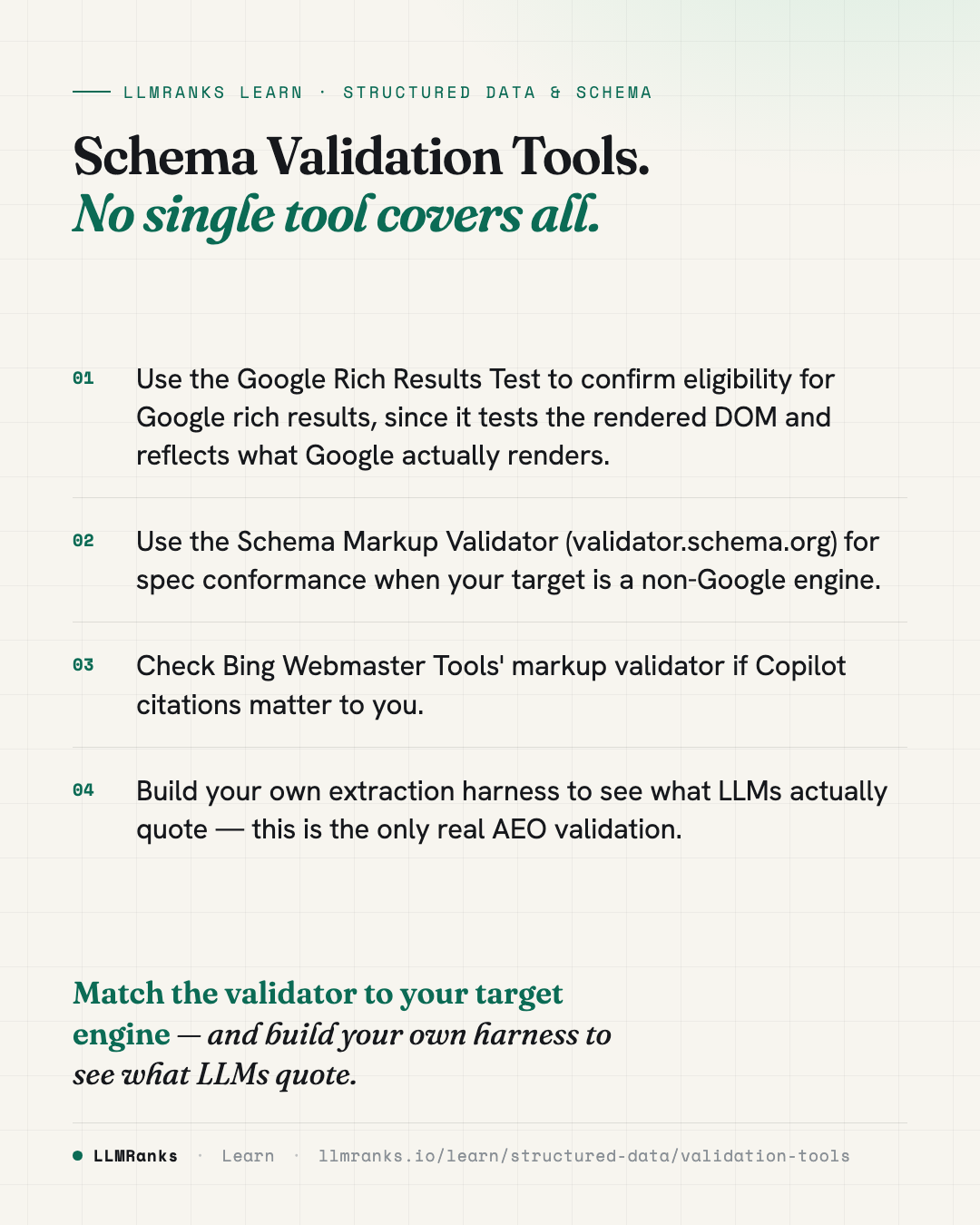
- Run the Google Rich Results Test to confirm eligibility for any Google rich-result type you're targeting — and remember it tests the rendered DOM after JavaScript.
- Run the Schema Markup Validator at validator.schema.org to confirm your markup conforms to the schema.org vocabulary, especially for non-Google targets.
- If Copilot citations matter to you, check your markup in Bing Webmaster Tools' validator.
- Use Search Console's Enhancements reports for aggregate, ongoing monitoring — but expect a lag of days, not instant feedback.
- Parse the server HTML as a non-JS crawler would, extract the JSON-LD, resolve every
@graphand@id, and flag dangling references. - Test extraction directly by feeding pages to an LLM API and checking what entity data it pulls out — this is the only real AEO validation.
- Diff the facts your markup claims against the visible on-page text, and fix every mismatch first, since those are both your top audit findings and a manual-penalty risk.
save this card
 Download card
1080×1350 · post it anywhere
put it to work
See how ChatGPT, Gemini and Google AI actually talk about your brand.