Detecting AI Agent Traffic
Detecting AI agent traffic means reading your server logs and analytics for a mix of signals, because most agents don't announce themselves cleanly. Some…
5 min read · updated 2026-08-18
Detecting AI agent traffic means reading your server logs and analytics for a mix of signals, because most agents don't announce themselves cleanly. Some agents declare identifiable user-agents like ChatGPT-User or Anthropic-User, while others proxy through provider infrastructure with rotating identities and look like ordinary — or "unusual" — browsers. Reliable detection combines user-agent matching, known IP ranges, and behavioral anomalies rather than any single indicator.
Why agent traffic is hard to attribute
Agent traffic resists clean measurement for a few structural reasons. Most agents proxy through provider infrastructure with rotating user-agents, so the identity you see in one request may not match the next. That makes traditional user-agent filtering incomplete on its own.
Identification is inconsistent across providers. Some agents explicitly identify themselves — you'll see strings like ChatGPT-User, Anthropic-User, or Google-Extended — while others don't declare anything useful at all.
Browser fingerprinting adds a second complication. Detection systems frequently flag agents as "headless Chrome" or "unusual Chrome," and that flag often triggers an automatic block. If your stack blocks these sessions before they reach your logs, you lose the very data you'd use to understand them. For more on how automated visitors interpret your pages, see How AI Agents See Your Site.
User-agent signals to watch
The most direct signal is the User-Agent header. Certain strings map to agents you can identify with reasonable confidence:
| String | What it indicates |
|---|---|
ChatGPT-User | Agent traffic |
Anthropic-User | Agent traffic |
Google-Mariner | Agent traffic |
Comet | Agent traffic |
OAI-SearchBot | Crawler (not an agent) |
Note the distinction in that last row. OAI-SearchBot is a crawler, not an agent — so if you're specifically trying to isolate agent behavior, treat it separately from ChatGPT-User, Anthropic-User, Google-Mariner, and Comet. Confusing the two will muddy your numbers.
Because user-agents rotate and not every agent declares itself, treat string matching as your starting filter, not your final answer.
Verifying with known IP ranges
User-agent strings can be spoofed or absent, so corroborate them against published IP ranges. Several providers document the addresses their infrastructure uses:
- OpenAI publishes its ranges at
openai.com/searchbot.json. - Anthropic publishes its ranges.
- Google's ranges are well-documented.
When a request's user-agent claims to be one of these agents and its source IP falls inside the matching published range, your confidence goes up considerably. When the user-agent is missing but the IP still falls inside a known provider range, that's a strong signal worth logging even without a matching string.
Crawler reads
- HTML markup
- Plain text
- Outbound links
Agent drives
- Clicks & navigates
- Fills out forms
- Compares & checks policies
Behavioral anomalies
Beyond identity, the shape of a session can reveal automated agents that don't identify themselves. Watch for patterns that human sessions rarely produce:
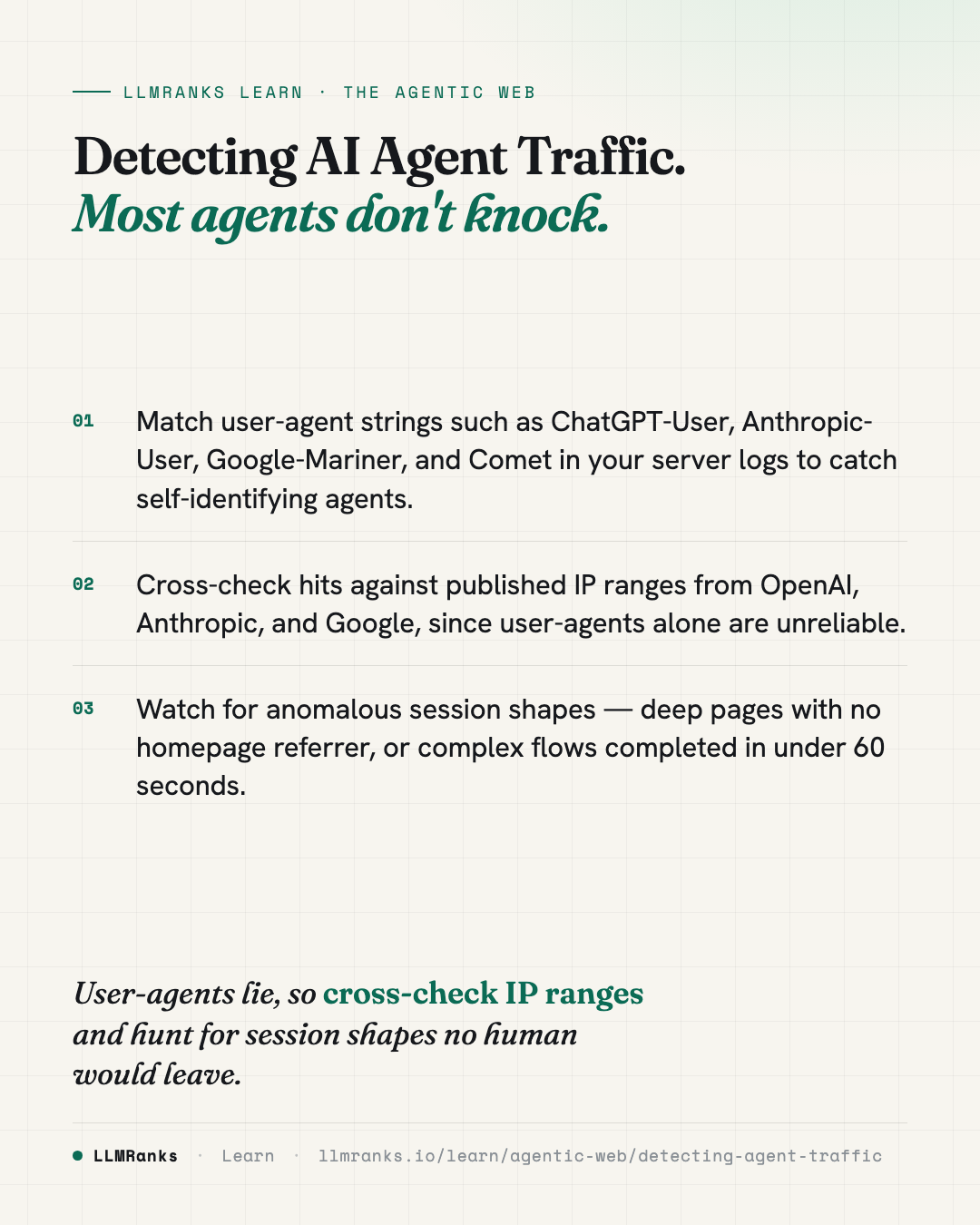
- Deep entries with no homepage referrer. A session that lands directly on a deep interior page without arriving through your homepage or an expected referrer path is unusual for a human visitor.
- Implausibly fast complex flows. Completing a multi-step flow in under 60 seconds is faster than most people move through the same steps.
- Correlated dashboard shifts. A drop in conversion rate that lines up in time with a rise in "strange browser" hits in your bot-detection dashboard suggests agents are moving through paths built for humans — and not converting the way people do.
None of these is conclusive alone. Their value comes from stacking them: a deep, referrer-less entry that also completes a flow in seconds and originates from a known provider IP is far more convincing than any single flag. For context on where automated visitors tend to stumble, see What Breaks AI Agents.
Combining signals into a picture
Because each signal is individually weak, detection works best as a layered read across your logs and analytics:
- Identity layer — user-agent strings and published IP ranges tell you who is likely visiting.
- Behavior layer — session shape and timing tell you whether traffic acts like an agent even when it doesn't identify itself.
- Impact layer — conversion and bot-detection dashboards tell you whether that traffic is affecting outcomes you care about.
Reading these together lets you separate self-identifying agents from disguised ones, and separate both from ordinary human traffic. It also helps you avoid over-blocking: if your fingerprinting is silently rejecting "headless Chrome," you may be discarding agent sessions before they ever reach the layers above. To understand how this fits the broader shift toward automated visitors, see The Agentic Web and Agent-Readiness.
What to do
- Add user-agent matching to your log analysis for
ChatGPT-User,Anthropic-User,Google-Mariner, andComet, and tagOAI-SearchBotseparately as a crawler. - Pull the published IP ranges — OpenAI's
openai.com/searchbot.json, Anthropic's published list, and Google's documented ranges — and cross-check flagged requests against them. - Log requests that come from known provider IP ranges even when the user-agent is missing or generic.
- Build queries or reports for anomalous session shapes: deep entries with no homepage referrer and complex flows completed in under 60 seconds.
- Watch for a conversion-rate drop that coincides with a rise in "strange browser" hits in your bot-detection dashboard.
- Review your fingerprint-based blocking so you aren't discarding "headless Chrome" or "unusual Chrome" sessions before you can measure them.
- Combine identity, behavior, and impact signals before concluding a session is an agent — no single flag is enough.
save this card
 Download card
1080×1350 · post it anywhere
put it to work
See how ChatGPT, Gemini and Google AI actually talk about your brand.