How AI Agents See Your Site
AI agents don't read your site the way a search crawler does. They load your pages in a real browser, render the JavaScript, and capture the DOM, the…
6 min read · updated 2026-08-17
AI agents don't read your site the way a search crawler does. They load your pages in a real browser, render the JavaScript, and capture the DOM, the accessibility tree, and a screenshot — then reason over all three to identify buttons, forms, and links they can act on. Their goal is to complete a task on the user's behalf, not to extract text for later citation. That makes them behave far more like an impatient screen-reader user than like a traditional bot.
The shift from crawlers reading to agents driving
Through 2024, AI-search optimization assumed one interaction model: a crawler fetches HTML, a model reads it, and the user sees text. That model still dominates by volume in 2026, but a second model is now shipping in production at every major lab.
These are autonomous agents that browse a real browser session on the user's behalf — operators, not crawlers. They render pages, parse the DOM and accessibility tree, take screenshots, identify interactive elements, and then click buttons, fill forms, complete checkouts, and schedule meetings.
Google's January 2026 AI optimization guide formalized this as a forward-looking concern: "preparing for agentic experiences — autonomous AI agents that may interact with websites through DOM inspection and accessibility trees." Google rarely surfaces forward-looking advice; when it does, the trend is usually already material.
Products shipping today
This is a fast-moving space, so treat the specifics below as a snapshot rather than a fixed picture.
| Product | Lab | Mechanism | Status |
|---|---|---|---|
| Operator | OpenAI | Cloud browser, screenshots + DOM, driven via Computer Using Agent | GA 2025-Q1 |
| ChatGPT Atlas browser | OpenAI | Native Chromium fork with built-in agent | Preview late 2025 |
| Computer Use | Anthropic | Local or cloud, screenshot + DOM + accessibility tree, drives mouse + keyboard via tool calls | GA 2024-10, hardened 2025 |
| Claude for Chrome | Anthropic | Browser extension model | Preview 2025-Q2 |
| Project Mariner / Gemini Agent | Chrome-native; DOM + accessibility tree favored over screenshots | Preview late 2024, expanding 2026 | |
| Comet | Perplexity | Chromium-based agent browser | GA mid-2025 |
| Copilot agents in Edge | Microsoft | Edge-integrated, leans on accessibility APIs | Rolling out 2026 |
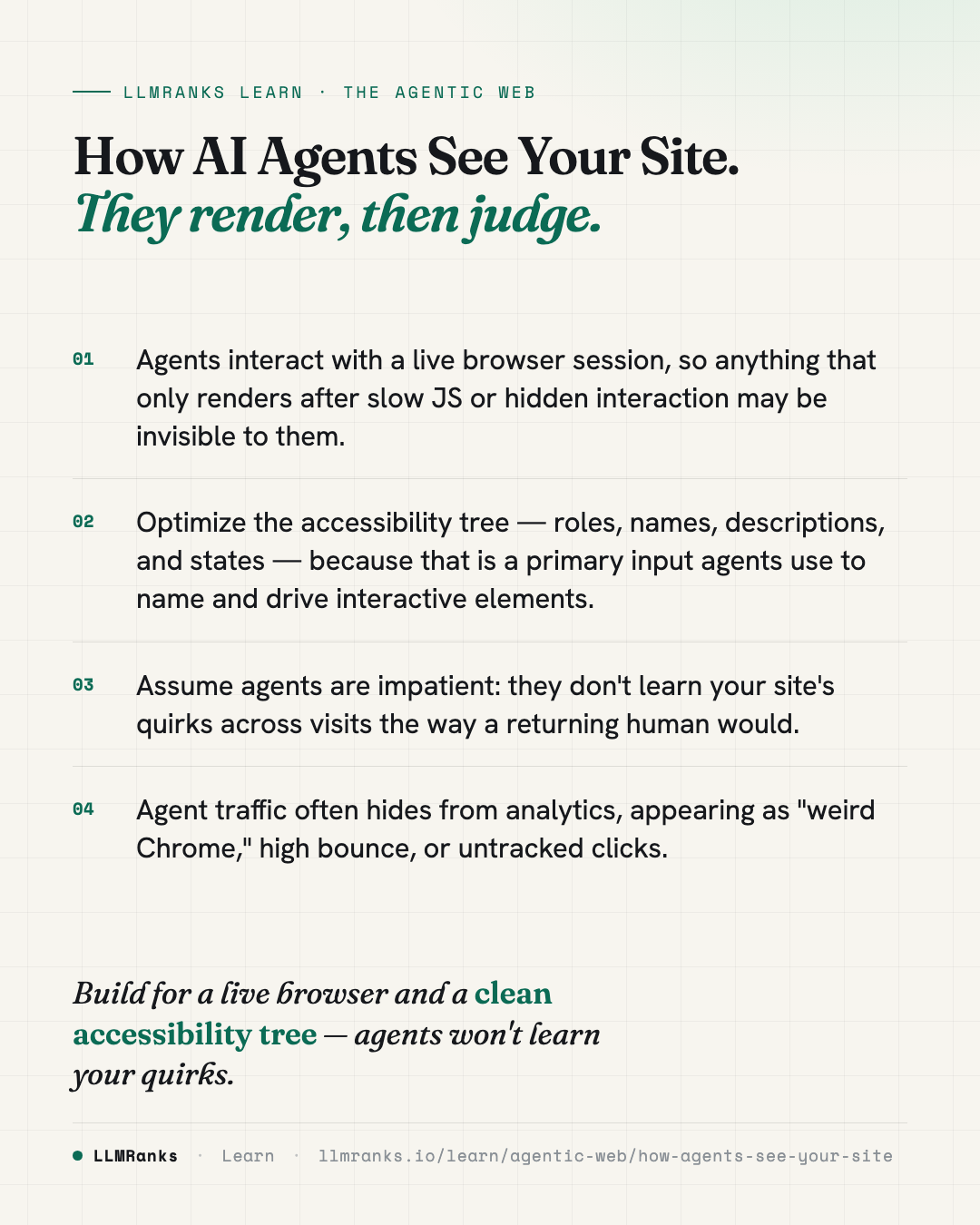
What unites them: the user is no longer interacting with your site — an LLM is. This often happens invisibly to your analytics. An agent may rotate user-agent strings, render in a headless context, or proxy through the lab's own infrastructure. Your bot detection sees "weird Chrome"; your conversion funnel sees high bounce and no tracked clicks. For more on spotting this, see Detecting AI Agent Traffic.
How agents see a page versus how a crawler sees it
This is the critical mental model. The two pipelines are fundamentally different.
Crawler reads
- HTML markup
- Plain text
- Outbound links
Agent drives
- Clicks & navigates
- Fills out forms
- Compares & checks policies
The crawler pipeline
Search and AI-search crawlers — Googlebot, OAI-SearchBot, ClaudeBot, PerplexityBot — follow a reading-oriented process:
- Fetch HTML, with or without JS execution.
- Parse text content, links, and schema markup.
- Build a content representation: paragraphs, headings, links, metadata.
- Store and embed it for retrieval.
The goal is to extract meaning to cite later. What matters here is clean HTML, server-rendered or hydration-ready pages, structured data, and semantic structure — the fundamentals covered in Technical SEO.
The agent pipeline
Agents — Operator, Computer Use, Mariner, Comet — follow a task-oriented process:
- Load the page in a real browser, headless or headed.
- Wait for full render, JS execution, and network idle.
- Capture three artifacts in parallel:
- DOM — the rendered HTML tree.
- Accessibility tree — the platform-API representation a screen reader would consume, including roles, names, descriptions, and states.
- Screenshot — full-page or viewport, used as a vision-model input.
- Reason over vision and text to identify interactive regions, name them, and decide the next action.
- Drive the browser: click a coordinate, type into a focused element, scroll, and await the new state.
The goal is to complete a task. Reading is incidental.
Why the accessibility tree is now a ranking-adjacent surface
For agents, what matters is largely what has always mattered for accessibility — but with one new bar. An agent must be able to do in 30 seconds what a screen-reader user could do in five minutes. The agent is impatient, and unlike a human screen-reader user, it does not learn your site's quirks across visits.
That raises the stakes for how your interactive elements are exposed:
- Roles and names. If a button is a
divwith an onclick handler and no accessible name, an agent may not recognize it as clickable or know what it does. - States. Toggles, expanded/collapsed regions, and disabled controls need their state reflected in the accessibility tree so the agent can reason about what happens next.
- Render timing. Because agents wait for full render and network idle before acting, content or controls that appear only after slow or interaction-gated JS can be missed or misread.
- Consistency. An agent won't relearn a non-standard pattern on a return visit the way a habituated human user might.
The practical implication: the accessibility work you may have treated as a compliance checkbox is now part of how machines complete tasks on your site. For a deeper look at how this connects to being usable by agents at all, see Agent-Readiness, and for the failure modes, What Breaks AI Agents.
Where this fits in the bigger picture
Agent browsing sits alongside the crawler-and-cite model, not on top of it. The reading pipeline still dominates by volume, so the fundamentals that make you citable — clean structure, schema, semantic HTML — remain necessary. Agent-readiness adds a second requirement: your pages must also be operable by a machine driving a real browser.
If you want the wider context, The Agentic Web frames the whole shift, and Agentic-Readiness Myths sorts the real requirements from the noise.
What to do
- Audit your key task flows — signup, checkout, booking, contact — in a real rendered browser, and confirm every interactive element has a proper role, an accessible name, and correct state.
- Replace click-handler
divs and custom controls with semantic elements (or add correct ARIA roles and names) so agents can identify and drive them. - Reduce reliance on slow or interaction-gated JavaScript for critical content and controls, since agents act after render and network idle.
- Keep interaction patterns standard and consistent — agents don't learn your quirks across visits.
- Maintain your crawler fundamentals: clean HTML, server-rendered or hydration-ready pages, and schema, so you stay citable as well as operable.
- Watch your logs and analytics for agent signatures like "weird Chrome," headless contexts, or high-bounce/no-click sessions, and treat this whole area as a fast-moving target you revisit regularly.
save this card
 Download card
1080×1350 · post it anywhere
put it to work
See how ChatGPT, Gemini and Google AI actually talk about your brand.