Breadcrumbs
Breadcrumbs are a navigational trail — usually shown as Home > Category > Page — that tell users and search engines where a page sits in your site…
5 min read · updated 2026-08-07
Breadcrumbs are a navigational trail — usually shown as Home > Category > Page — that tell users and search engines where a page sits in your site hierarchy. If your site has any structure beyond a single level, you should implement them, mark them up with BreadcrumbList schema, and make sure the visible trail matches the markup. Their direct ranking value is modest, but they reinforce crawl paths, can display in search results, and give both crawlers and LLMs useful context about where a page belongs.
Why breadcrumbs matter
Breadcrumbs do several jobs at once. For users, they show position in the hierarchy and give a one-click path back up. For search engines, they reinforce your crawl paths and can surface as breadcrumb trails directly in search results, which tends to improve click-through on deep pages — though the magnitude varies by site.
The direct link equity that flows through breadcrumb links is real but modest. Any weight estimates circulating in the community are just that — estimates, not figures published by Google. The larger, more reliable value is structural: breadcrumbs make your hierarchy legible and give deep pages a consistent, predictable path back to their parent and category. If you want the broader picture of how internal links pass authority, see Link Equity & PageRank Flow.
Breadcrumbs are one piece of a coherent Site Architecture for SEO. They work best when your URL structure, navigation, and Internal Linking all agree on where a page lives.
How to mark up breadcrumbs
Use BreadcrumbList schema, and prefer JSON-LD over microdata. Here's the shape of a valid trail:
{
  "@context": "https://schema.org",
  "@type": "BreadcrumbList",
  "itemListElement": [
    {"@type": "ListItem", "position": 1, "name": "Guides", "item": "https://acme.com/guides/"},
    {"@type": "ListItem", "position": 2, "name": "Internal Linking", "item": "https://acme.com/guides/internal-linking/"},
    {"@type": "ListItem", "position": 3, "name": "Orphan Pages"}
  ]
}
Two details matter here:
- Omit the
itemURL on the last element. That element is the page you're already on, so it doesn't need a URL. Including a self-referential URL won't break the rich result, but it's technically wrong and a common error. - The visible HTML must match the JSON-LD. Render the breadcrumb in the DOM with real
<a href>links that mirror the schema. Schema-only breadcrumbs — markup with no visible UI — can trigger structured-data spam flags in 2026.
For more on validating and structuring markup like this, see Structured Data & Schema.
Writing good breadcrumb anchors
Breadcrumb anchors should be short noun phrases that match the primary entity of the parent page. Use "Internal Linking," not "Best Internal Linking Strategy Guide 2026." Exact-match keyword stuffing in a breadcrumb makes the trail harder to read and doesn't help.
This mirrors good Anchor Text Strategy generally: descriptive, concise, entity-focused labels beat keyword-loaded ones. The anchor is doing double duty — it's a label for humans scanning the trail and a signal for machines mapping your hierarchy.
Breadcrumbs and LLM search
Breadcrumbs plausibly give large language models page-in-hierarchy context. A page about orphan page detection that carries a visible trail like Guides > Internal Linking > Orphan Pages has a clear topical frame around it. That frame may reduce the chance the page gets miscited for unrelated queries.
Treat this as directional inference rather than proven fact — there's no controlled evidence for the effect. But the practical instruction is low-risk and worth following either way: always expose breadcrumbs server-side rather than injecting them with JavaScript, so LLM crawlers see them on the first fetch. If a crawler never renders your JS, a JS-injected breadcrumb simply isn't there.
For how these engines read and cite pages more broadly, see AI Search Engines and AEO & GEO.
Anti-patterns to fix
A handful of breadcrumb mistakes are common enough to check for explicitly.
| Anti-pattern | Why it's a problem | Fix |
|---|---|---|
| Multiple breadcrumb trails on one page | A trail in the header and another above the content, showing different paths, confuses users and crawlers | Pick one canonical trail |
| Trail doesn't reflect URL structure | When your URLs are hierarchical but the breadcrumb path disagrees, it causes user and crawler confusion | Align the trail with the URL hierarchy |
| Trail deeper than the actual click path | Implies a hierarchy that doesn't exist in your link graph | Match the trail to the real path |
Home > Category > Category > Page | A repeated category is usually a CMS bug | Fix the template so each level appears once |
The common thread: your breadcrumb should describe hierarchy that genuinely exists in your link graph and URL structure — not an idealized structure you wish you had. When the trail and the actual paths disagree, it undermines the trust breadcrumbs are supposed to build.
What to do
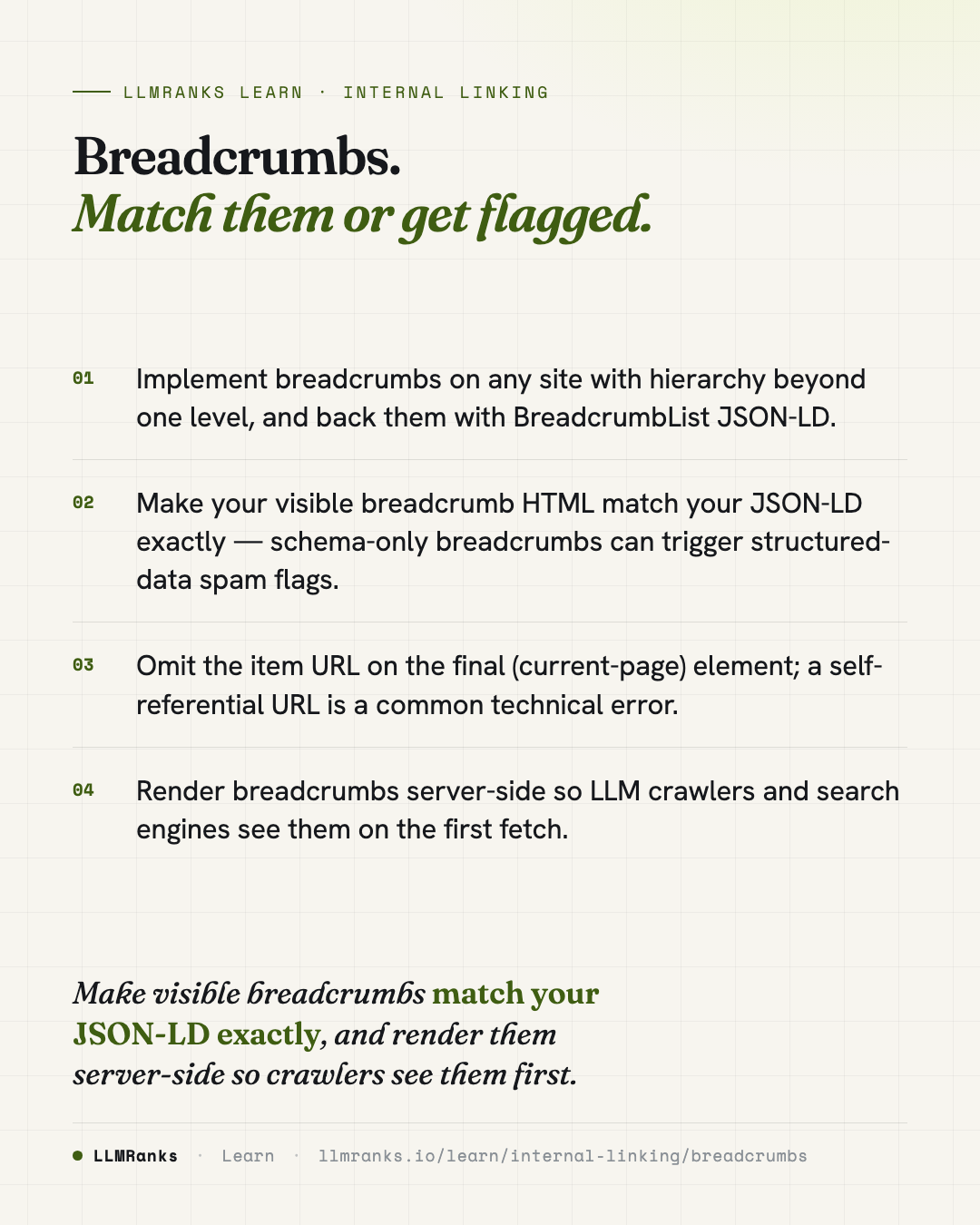
- Add breadcrumbs to any site with hierarchy beyond one level, rendered server-side in real HTML.
- Mark them up with
BreadcrumbListJSON-LD, matching the visible trail element-for-element. - Omit the
itemURL on the final (current-page) element. - Write each anchor as a short noun phrase matching the parent page's primary entity — no keyword stuffing.
- Confirm the trail reflects your actual URL structure and click path, no deeper.
- Remove any duplicate trails; keep one canonical breadcrumb per page.
- Check your CMS template for repeated category levels and fix them.
save this card
 Download card
1080×1350 · post it anywhere
put it to work
See how ChatGPT, Gemini and Google AI actually talk about your brand.