Orphan Pages
An orphan page is any indexable URL on your site that receives zero internal inbound links from the rest of your indexable pages. Because search crawlers…
5 min read · updated 2026-08-06
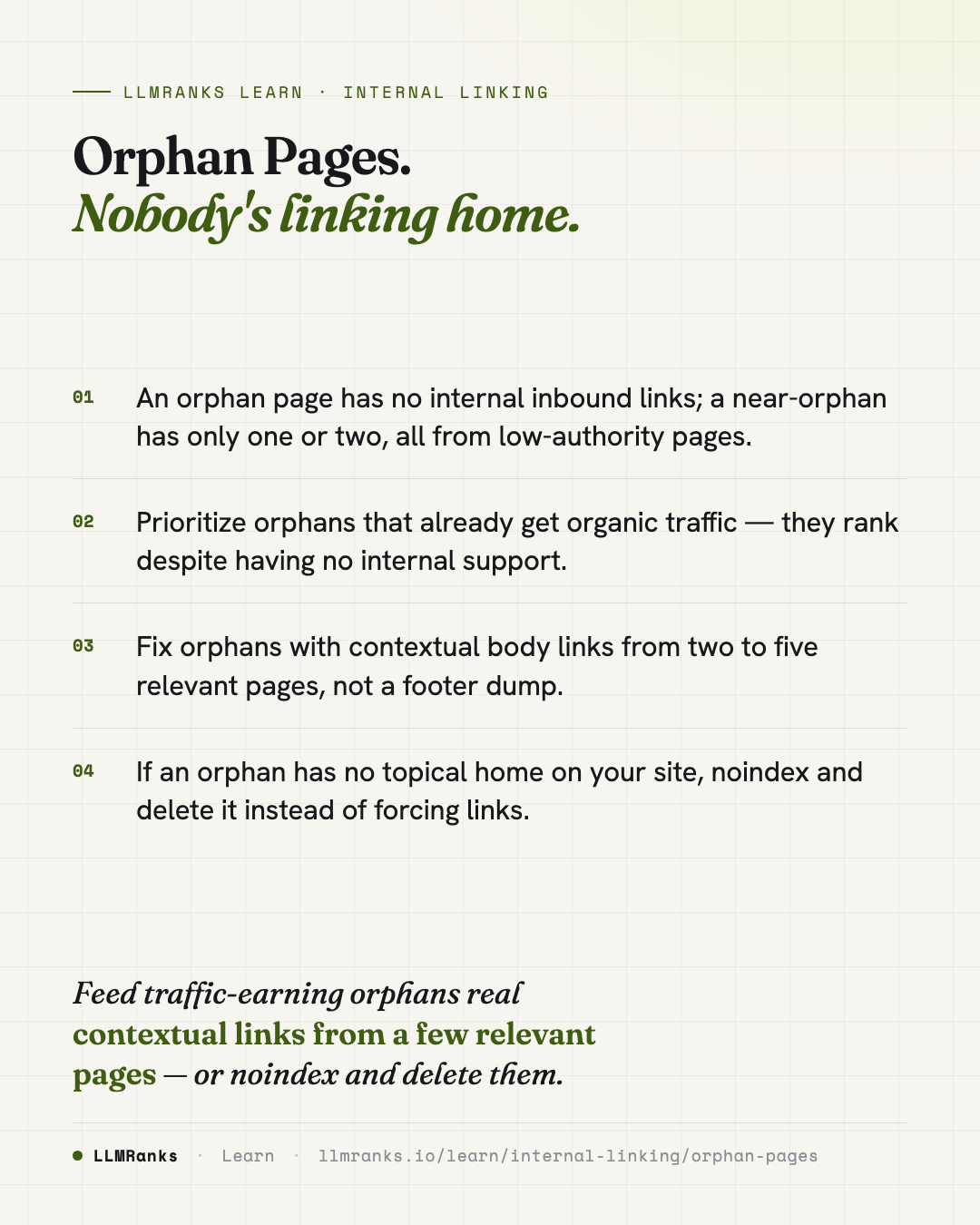
An orphan page is any indexable URL on your site that receives zero internal inbound links from the rest of your indexable pages. Because search crawlers and users navigate through links, orphaned URLs are hard to discover, hard to rank, and starved of the internal support that healthy pages get. Near-orphans — pages with only one or two inbound links, all from weak pages — suffer nearly as much. The fix is to give each worthwhile orphan contextual links from topically relevant pages, and to retire the ones that don't belong.
What counts as an orphan page
An orphan page is an indexable URL that nothing else on your indexable site links to. The page may still be reachable — it can sit in your XML sitemap, be indexed by search engines, or receive traffic — but no other page passes internal links to it. That isolation is the problem: internal links are how discovery and authority travel across a site.
Near-orphans are worth treating with the same urgency. A page with only one or two inbound links, especially if those links come from thin or low-value pages, gets almost none of the support a well-connected page enjoys. Draw the line generously: if a URL is barely stitched into your site, treat it like an orphan.
For the bigger picture on how pages connect and pass value, see Internal Linking and Link Equity & PageRank Flow.
How to detect orphan pages
Detection works by building a complete map of how your pages link to each other, then checking that map against every other list of URLs you have. If a URL shows up in a source that proves it exists — but never appears as a link target in your internal graph — it's an orphan.
The process looks like this:
- Crawl the full site. Respect
robots.txtand render JavaScript so links injected by scripts are captured, not missed. - Build the internal link graph. Record every internal link from the rendered HTML so you know exactly which URLs are linked and which aren't.
- Cross-reference against other URL sources. Compare the link graph to:
- your XML sitemap URLs
- your indexed URLs from Search Console
- your server log files (URLs that search crawlers actually fetch)
- your analytics URLs (pages that receive traffic)
- Flag the mismatches. Any URL that appears in your sitemap, logs, or analytics but is absent from the link graph is an orphan.
Relying on a single source will miss things. A page can be indexed but not in your sitemap, or drawing traffic but never crawled recently. Combining all four sources gives you a fuller inventory of pages that exist but aren't linked.
Prioritize orphans by tier
Not every orphan deserves the same attention. Sort them so you spend effort where it pays off fastest.
| Tier | Signals | Priority | Why |
|---|---|---|---|
| Highest | Has organic traffic, no inbound links | Fix first | Already ranking with zero internal support — small effort, likely gain |
| Medium | Indexed, no traffic, no inbound links | Fix next | Discoverable but underperforming; may benefit from support |
| Low | Not indexed, no inbound links | Review | Often better to noindex or delete than to rescue |
The highest-priority orphans are the ones that already earn organic traffic despite having no internal links. They're proving their worth on merit alone — connecting them properly is the closest thing to free ranking upside you'll find. Medium-tier orphans are indexed but quiet; they may lift with support. Low-tier orphans that aren't even indexed are usually candidates for removal rather than rescue.
How to fix orphan pages
The instinct to drop every orphan into a sitewide footer link block is a mistake. Footer links are weak, generic, and don't signal topical relevance. The better fix is contextual: add body links from two to five pages that are genuinely about the same topic.
To find those pages, use topical relationships. Look for the pages most semantically related to the orphan — the ones where a link would make sense to a reader — and add the link within the body content. Avoid pages that are already overloaded with links, since another link there dilutes rather than helps.
Steps that work:
- Find best-fit parent pages by topical similarity, and link from within the body copy where the connection reads naturally.
- Update the most relevant pillar page to include the orphan as one of its spokes, wiring it into an existing cluster.
- Add two to five contextual links, not one and not a footer dump — enough to establish the page as a real part of your site.
For deciding where these links belong, Topic Clusters & Pillar Pages explains how to organize pages into pillars and spokes, and Site Architecture for SEO covers structuring your site so pages don't get stranded in the first place. Get the wording right with Anchor Text Strategy, and mind the ceiling described in How Many Internal Links Per Page so you don't overload a source page.
When to delete instead of rescue
Sometimes an orphan is orphaned for a good reason: it has no topical fit with the rest of your site. If no relevant page would naturally link to it, forcing links in creates awkward, low-value connections that help no one.
In that case, the right move is to noindex the page and delete it, rather than trying to link-rescue something that doesn't belong. This is especially true for low-tier orphans that aren't indexed and get no traffic — the effort to integrate them rarely justifies keeping them. Be honest about whether a page earns its place before you invest in wiring it in.
What to do
- Crawl your full site with JavaScript rendering to build a complete internal link graph.
- Cross-reference that graph against your XML sitemap, indexed URLs, server logs, and analytics to list every orphan and near-orphan.
- Tier the orphans: traffic-but-no-links first, indexed-but-quiet next, unindexed-and-dead last.
- For high- and medium-tier orphans, identify two to five topically relevant pages and add contextual body links.
- Wire each rescued page into the most relevant pillar page as a spoke within its cluster.
- For orphans with no topical home,
noindexand delete rather than force artificial links. - Recrawl after changes to confirm each rescued page now has real internal inbound links.
save this card
 Download card
1080×1350 · post it anywhere
put it to work
See how ChatGPT, Gemini and Google AI actually talk about your brand.