Image SEO
Images are one of the highest-ROI areas in on-page SEO because they drive both search visibility and page performance. To optimize them well, you need…
6 min read · updated 2026-08-12
Images are one of the highest-ROI areas in on-page SEO because they drive both search visibility and page performance. To optimize them well, you need descriptive alt text and filenames, modern formats like AVIF, responsive delivery with srcset, correct lazy-loading, and set dimensions to avoid layout shift. Done right, image work improves Google Images ranking, accessibility, and Core Web Vitals at the same time.
Alt text that actually helps
Alt text serves accessibility first and search second — and good alt text does both. Describe what the image means in its context, not the visible pixels. A photo of a CEO on an About page should read "Jane Doe, CEO of Acme, speaking at TechCrunch 2025" — not "Woman in blue blazer at podium."
Keep the practical rules in mind:
- Length: 8–15 words, roughly 50–125 characters. Screen readers truncate beyond about 125 characters.
- No "Image of" / "Picture of" prefix: screen readers already announce the element as an image.
- Keywords, sparingly: include one relevant keyword naturally. Don't repeat it — more than a couple of instances reads as stuffing.
- Decorative images: use
alt=""(empty, not missing). Empty alt tells screen readers to skip the image; a missingaltattribute is an accessibility error.
Be cautious about editing alt text you can't verify. Populating alt="" on an image you can't confirm is meaningful risks polluting the screen-reader experience. On legally sensitive verticals like medical or finance, any generated alt text should be reviewed before it ships, because inaccuracy carries real risk. See On-Page SEO for how alt text fits alongside other content signals.
File naming
Filenames are a minor ranking signal for Google Images individually, but a meaningful one in aggregate. Name files descriptively.
- Descriptive, hyphenated, lowercase:
trail-running-shoes-salomon-speedcross.webp, notIMG_4823.jpgorimage1.png. - Hyphens, not underscores: Google treats
_as a word-joiner, sored_shoesreads asredshoes. - Match the page topic in the filename for hero or primary visuals.
- Don't stuff:
cheap-running-shoes-best-running-shoes-buy-online.jpgis detectable spam.
If you rename previously indexed files, preserve the old URL with a 301 redirect so you don't lose accumulated signals.
Modern formats
AVIF is now the default recommendation for new assets. It's 20–30% smaller than WebP at equivalent quality, and browser support is universal — Safari shipped full AVIF support in 2023, which makes the older "WebP is safer" hedge obsolete.
Serve images with a <picture> element and a fallback chain so older browsers still get a usable format:
<picture>
  <source type="image/avif" srcset="hero.avif">
  <source type="image/webp" srcset="hero.webp">
  <img src="hero.jpg" alt="..." width="1200" height="630" loading="lazy" decoding="async">
</picture>
A few format rules:
- Never serve PNG for photographs. Reserve PNG for transparency-required UI assets — and even then, prefer AVIF with alpha.
- Use SVG for logos and icons, always. Inline critical SVGs to avoid render-blocking requests.
Responsive delivery
Serving a 2000px hero to a 375px phone wastes bandwidth and tanks your LCP. Use srcset and sizes for any content image wider than about 400px:
<img
  srcset="img-400.avif 400w, img-800.avif 800w, img-1200.avif 1200w, img-1600.avif 1600w"
  sizes="(max-width: 600px) 100vw, (max-width: 1200px) 50vw, 800px"
  src="img-800.avif"
  alt="..." width="800" height="450">
Provide DPR variants for retina screens. Width descriptors (as above) are preferred over x descriptors because they let the browser decide which file to fetch.
Lazy loading and the LCP image
Lazy loading saves bandwidth on images the user may never scroll to — but it's also the source of the most common performance regression.
- Below-the-fold images: add
loading="lazy". It's native and needs no JavaScript. - The LCP image: do not lazy-load it. This is the single most common LCP regression. Your hero or above-the-fold image must be
loading="eager"(or omit the attribute) and ideally carryfetchpriority="high". fetchpriority="high"on the LCP image moves it ahead of other resources in the fetch queue. This commonly yields meaningful LCP improvements in real deployments, though the magnitude varies by page.decoding="async"on non-critical images avoids blocking the main thread.
Dimensions, layout shift, and Core Web Vitals
Always set width and height attributes, or use CSS aspect-ratio. Missing dimensions cause Cumulative Layout Shift, and the "good" CLS threshold remains ≤0.1 at the 75th percentile. This is one of the highest-ROI fixes you can make: a measurable Core Web Vitals gain with zero editorial risk.
Images are the LCP element on roughly 70% of pages, and the "good" LCP threshold is ≤2.5s at the 75th percentile in field data. The image-specific levers all reinforce each other:
| Lever | What it does |
|---|---|
| AVIF format | Smaller files at equivalent quality |
srcset / sizes | Correct sizing per device |
| No lazy-load on LCP | Prevents the most common LCP regression |
fetchpriority="high" | Prioritizes the hero in the fetch queue |
| CDN delivery | Faster transfer |
<link rel="preload" as="image"> | Preloads the hero image |
See Core Web Vitals for how these metrics fit into overall page health.
Structured data over image sitemaps
The older advice to maintain standalone XML image sitemaps (<image:image> extensions) is partially obsolete. Google still reads them but now recommends embedding image data in your standard sitemap or relying on structured data plus on-page discovery.
The better approach in 2026 is ImageObject schema. The license, creator, and creditText properties now affect Google Images licensing badges and AI image attribution. For e-commerce, use Product schema with multiple image entries. See Structured Data & Schema for implementation details.
Image sitemaps still have a role in specific cases:
- JavaScript-rendered image galleries that Google may not crawl.
- Sites where images live on a separate CDN domain.
What to do
- Audit every content image for a missing
altattribute (an error) versus a correctalt=""on decorative images. - Rewrite alt text to describe function in context, 8–15 words, with no "Image of" prefix and at most one natural keyword.
- Rename generic files (
IMG_,screenshot,untitled, underscores, numeric-only) to descriptive hyphenated lowercase names, adding 301s for any previously indexed URLs. - Convert new assets to AVIF and serve them through a
<picture>fallback chain; stop serving PNG for photographs and use SVG for logos and icons. - Add
srcsetandsizesto every content image wider than ~400px, preferring width descriptors. - Set
widthandheight(oraspect-ratio) on every image to eliminate layout shift. - Add
loading="lazy"anddecoding="async"to below-the-fold images, but make the LCP image eager withfetchpriority="high". - Compress oversized files — flag content images over 200KB and hero images over 500KB — and avoid serving images more than 2× their rendered dimensions.
- Add
ImageObjectschema (withlicense,creator,creditText) to article and product images instead of leaning on standalone image sitemaps.
save this card
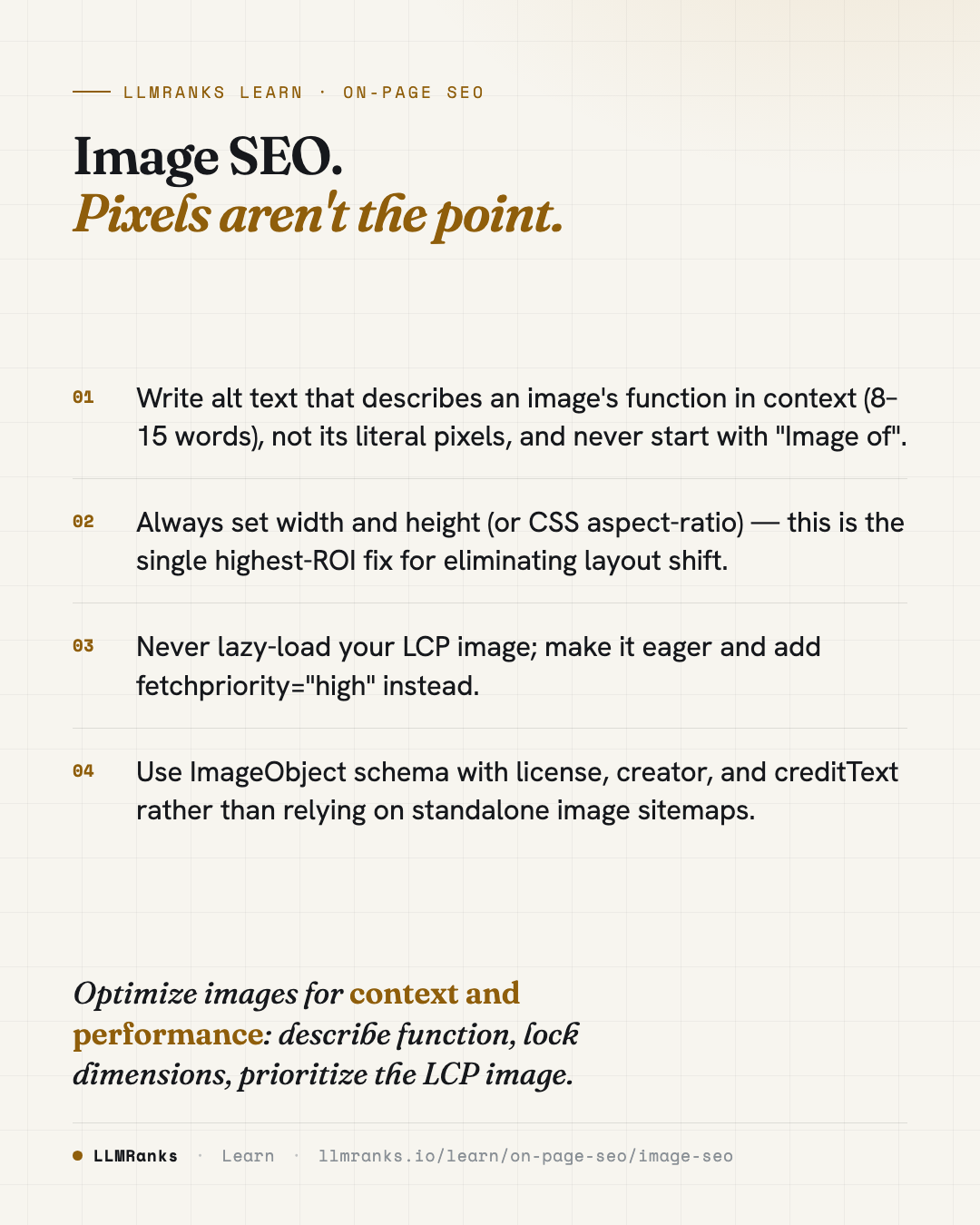 Download card
1080×1350 · post it anywhere
put it to work
See how ChatGPT, Gemini and Google AI actually talk about your brand.