Heading Hierarchy
Headings tell both readers and search systems how your page is organized. The safe default is one H1 that states the page topic, H2s for major sections, and…
5 min read · updated 2026-08-12
Headings tell both readers and search systems how your page is organized. The safe default is one H1 that states the page topic, H2s for major sections, and H3s for subsections — without skipping levels. Multiple H1s aren't penalized by Google, but a clean, semantic outline still helps accessibility, SEO consistency, and how AI search tools parse your content.
One H1, or more?
The one-H1-per-page rule is still the safe default for SEO consistency, but it's no longer a hard requirement. Google has confirmed repeatedly (John Mueller, 2020–2024) that multiple H1s are not penalized, and this has been verified at scale. HTML5 sectioning explicitly allows multiple H1s.
The stronger reason to keep a single H1 is accessibility: screen reader users rely on a clear top-level heading to understand what the page is about. So treat multiple H1s as a minor warning to review, not an error to panic over — especially if an accessibility check also flags the page.
It's also worth knowing that modern parsers treat heading hierarchy semantically, not by tag name alone. A single <h2> labeled "Introduction" inside an <article> may be interpreted as that section's primary heading regardless of its tag level. The takeaway: structure and context matter as much as the raw tag you choose.
H1 vs. title tag
Your H1 and your title tag serve different jobs and should not be identical.
- The title tag is written for the search result — it's your click-through-rate lever in the SERP.
- The H1 is written for on-page experience — it confirms to a visitor they've landed in the right place.
Keyword overlap between the two should sit around 60–80%, not 100%. An exact string match between H1 and title is a missed opportunity to capture a slightly different angle or long-tail phrasing.
The heading hierarchy that works
A reliable structure looks like this:
- H1 — the page topic, stated once, using your primary keyword in near-natural phrasing. Don't fragment it into keyword soup like "Best Running Shoes Buy Online Cheap."
- H2s — your major sections. This is the place for long-tail variants and semantic neighbors. Sourcing H2 topics from search-suggest data and "People Also Ask" questions maps directly to the patterns AI systems cite.
- H3+ — specifics, examples, and sub-questions that live under an H2.
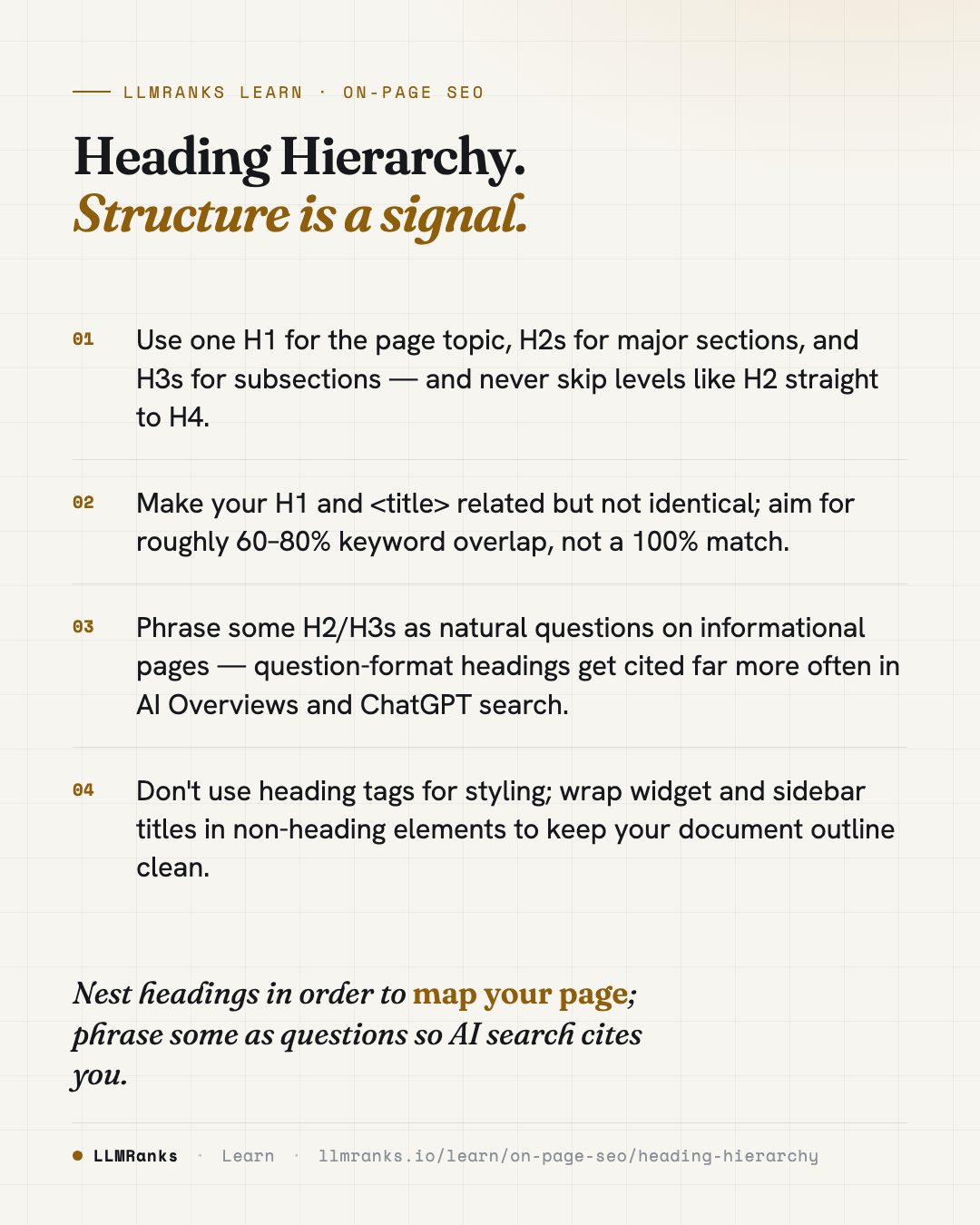
Never skip levels — an H2 followed directly by an H4 breaks the outline. This is common on CMS-templated pages, where the template injects an H2 and an editor adds H4s thinking about font size rather than structure. If you need a deeper related concept, see Content Structure for SEO & AI.
Question-format headings for AI search
If your page is informational, phrase some of your H2s and H3s as natural questions — for example, "How long does X take?" instead of a statement.
Based on observational data from mid-2025, question-format headings were cited at roughly 3x the rate in AI Overviews and ChatGPT search compared to statement-form headings. If fewer than about 20% of your H2/H3s on an informational page are questions, you're likely leaving AI visibility on the table. This ties directly into broader AEO & GEO practices.
Common mistakes to fix
These are the recurring issues that damage a document outline:
| Issue | What it looks like |
|---|---|
| No H1 | The page has no <h1> at all |
| Multiple H1s | More than one H1 (review, don't panic) |
| H1 ≠ topic | The H1 doesn't reflect the page's primary keyword |
| Skipped levels | An H2 jumps to an H4 with no H3 between |
| Empty heading | <h2></h2>, or a heading holding only an image with empty alt text |
| Headings used for styling | A large, bold visual title that isn't actually a heading — or an <h3> chosen because it "looks right" |
| Duplicate headings | Five H2s all reading "Features" on a comparison page |
| Heading = title exactly | A 100% match between H1 and title tag |
| Heading too long | Over ~70 characters |
| Excess depth | H5/H6 in use — usually a sign the structure is broken |
A few of these deserve extra attention:
- Headings used for styling. If a heading tag has no real content following it in the same section — no paragraphs, no lists — it's probably being used for visual weight rather than structure. Style with CSS instead.
- Heading-stuffed sidebars and footers. Widget titles wrapped in H3s pollute your document outline. Move them to a
<div>with an ARIA label, or push them to H4 or lower. - Empty and duplicate headings. Both confuse the outline. Empty headings add noise; duplicate headings make it impossible to tell sections apart.
What to do
- Confirm every page has exactly one H1 that states the page topic in near-natural language.
- Check that your H1 and title tag are related but not identical — aim for roughly 60–80% keyword overlap.
- Walk your outline top to bottom and fix any skipped levels (promote an orphaned H4 to H3 where an H2 came before it).
- Remove empty headings and rename or restructure duplicate headings.
- Convert heading-styled widget and sidebar titles into non-heading elements with proper styling and ARIA labels.
- On informational pages, rewrite a share of your H2/H3s into natural question form until at least ~20% are questions.
- Trim any heading over ~70 characters, and question whether H5/H6 usage signals a deeper structural problem.
- Leave topic-level H1 changes and H2 reordering on ranking pages for careful manual review — these shift content semantics and shouldn't be changed casually.
For how headings fit into the wider picture, start with On-Page SEO or browse LLMRanks Learn.
save this card
 Download card
1080×1350 · post it anywhere
put it to work
See how ChatGPT, Gemini and Google AI actually talk about your brand.