Third-Party Script Management
Third-party scripts — analytics, chat widgets, ad slots, session replay, embeds — are the dominant cause of poor INP and TBT on most real-world sites. The…
5 min read · updated 2026-08-16
Third-party scripts — analytics, chat widgets, ad slots, session replay, embeds — are the dominant cause of poor INP and TBT on most real-world sites. The best fix is almost always to remove scripts you don't need, then to self-host, defer, or isolate the ones you keep. If you manage them deliberately, you protect both your interactivity metrics and layout stability without losing the tools your business actually relies on.
Why third-party scripts hurt performance
On real-world sites, third parties are the leading cause of two interactivity problems: INP and Total Blocking Time. Every tag you add runs code on the main thread, and that work competes directly with your page's ability to respond to user input.
The scripts that cause the most damage are often the ones nobody remembers adding. Analytics tags, heatmap trackers, chat widgets, and session replay tools accumulate over time, and many keep running long after the team that installed them has moved on.
Because these scripts affect Core Web Vitals, managing them is a technical performance task as much as an analytics or marketing one. The goal is to keep the tools that earn their keep and eliminate the cost of everything else.
The management ladder
Tactics are listed here in descending order of preference. Start at the top and only move down when a higher-preference option isn't available for a given tag.
| Tactic | What it does | Best for | Caveat |
|---|---|---|---|
| Remove it | Deletes the script entirely | Dead or low-value tags | Requires honest value audit |
| Self-host | Removes third-party connection cost, adds caching control | GA4 gtag, some pixels | Verify terms of service |
| Defer to idle/interaction | Loads later via idle callback or first scroll/interaction | Chat, session replay, non-consent-critical analytics | Not for consent-critical tags |
| Partytown | Moves the script to a Web Worker | GTM, GA, Facebook Pixel | Breaks scripts needing synchronous DOM access |
| Facade pattern | Loads a lightweight placeholder, real SDK on click | YouTube, Intercom | Slight delay before full widget loads |
| Consent-gate | Blocks loading until consent given | Non-essential scripts | Depends on consent flow |
Remove it
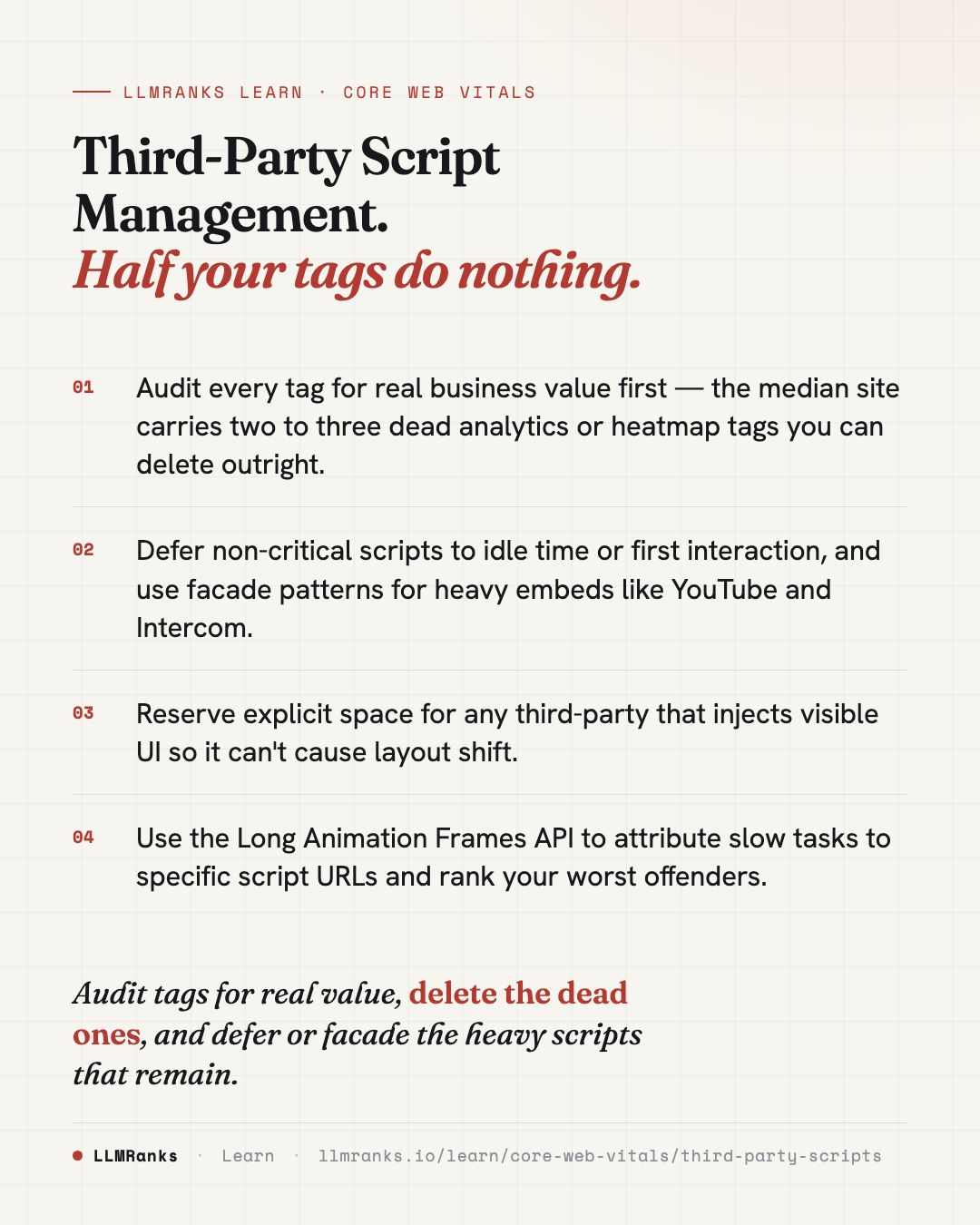
Audit every tag's actual business value before doing anything else. The median site carries two to three dead analytics or heatmap tags. Deleting them is the cheapest, most reliable performance win available, and it carries no technical risk.
Self-host the script
Self-hosting removes the third-party connection cost and gives you caching control. It works for GA4's gtag and some pixels, but always verify the vendor's terms of service before serving their script from your own domain. See Hosting & CDN for SEO for related delivery considerations.
Defer to idle or interaction
Chat widgets, session replay, and non-consent-critical analytics rarely need to run during initial load. Defer them using requestIdleCallback, or trigger them on first scroll or first interaction. The user gets a responsive page immediately, and the script loads once the browser has spare capacity.
Partytown
Partytown relocates scripts to a Web Worker, moving their work off the main thread. It's effective for Google Tag Manager, Google Analytics, and the Facebook Pixel. The important caveat: scripts that need synchronous DOM access — including some A/B testing tools that mutate the DOM to prevent flicker — can break or flicker under Partytown. Test each tag individually before shipping.
Facade pattern for embeds
Heavy embeds don't need their full payload until someone actually uses them. Replace a standard YouTube embed with lite-youtube-embed, which saves roughly 500KB plus the associated main-thread cost. For Intercom, ship a static button that loads the SDK only when clicked. The visible element appears instantly; the expensive code arrives on demand.
Consent and layout stability
Two management tactics do double duty — they improve performance while solving other problems at the same time.
Consent-gating non-essential scripts means they don't load until the user consents. This improves privacy compliance and Core Web Vitals together, since blocked scripts can't run main-thread work or open connections until consent is granted.
Any third-party that injects visible UI — chat bubbles, ad slots, and similar elements — should have explicit container reservations set aside for it. Reserving that space prevents the injected element from pushing content around when it appears, which protects your CLS score.
Measuring the damage
You can't prioritize fixes without knowing which scripts are actually costing you. The Long Animation Frames (LoAF) API is the strongest diagnostic available for this. It attributes INP-damaging tasks to specific third-party script URLs.
For each long frame, LoAF reports scripts[].sourceURL, invoker, and duration. Aggregate this data by sourceURL host to rank your offending third parties from worst to least. That ranking tells you exactly where to point the tactics above — and gives you evidence to justify removing a tag when a stakeholder asks why.
This connects directly to your lab and field metrics. If your TTFB, FCP and TBT lab metrics look poor, third-party scripts are a likely culprit, and LoAF data will confirm or rule out that theory.
What to do
- Inventory every third-party tag on your site and note the business value of each one.
- Delete any tag that no data or workflow actually depends on — expect to find two or three dead ones.
- Capture Long Animation Frames data and aggregate by
sourceURLhost to rank your worst offenders. - For high-cost tags you must keep, self-host them where terms of service allow.
- Defer chat, session replay, and non-consent-critical analytics to idle time or first interaction.
- Move GTM, GA, or the Facebook Pixel into a Web Worker with Partytown, testing each tag for DOM-access breakage.
- Replace heavy embeds with facades —
lite-youtube-embedfor YouTube, a click-to-load button for Intercom. - Consent-gate all non-essential scripts so they never load without consent.
- Set explicit container reservations for any script that injects visible UI, and re-measure to confirm the layout stays stable.
For the broader context around these fixes, see Technical SEO and the full Core Web Vitals guide.
save this card
 Download card
1080×1350 · post it anywhere
put it to work
See how ChatGPT, Gemini and Google AI actually talk about your brand.