LCP — Largest Contentful Paint
Largest Contentful Paint (LCP) measures how long it takes for the largest image, video poster, or text block in the viewport to render, timed from…
6 min read · updated 2026-08-13
Largest Contentful Paint (LCP) measures how long it takes for the largest image, video poster, or text block in the viewport to render, timed from navigation start. A "good" LCP is 2.5 seconds or faster at the 75th percentile of your real users across mobile and desktop. Slower than that falls into "needs improvement" (2.5–4.0s) or "poor" (over 4.0s). To fix LCP you have to break it into its parts — a single number tells you nothing actionable.
What LCP measures and its targets
LCP records the render time of the single largest content element visible within the viewport — usually an image, a video poster, or a block of text — relative to when navigation started. The measurement that matters for the field is the 75th percentile of your real users, tracked over a 28-day rolling window.
| LCP at p75 | Rating |
|---|---|
| ≤ 2.5s | Good |
| 2.5–4.0s | Needs improvement |
| > 4.0s | Poor |
LCP is part of the broader Core Web Vitals set, alongside INP and CLS.
Break LCP into four sub-parts
A single LCP number is not actionable. The canonical model (Annie Sullivan's) splits LCP into four sub-parts, each with its own share and target:
| Sub-part | Typical share | Target |
|---|---|---|
| TTFB | 10–40% | < 800ms |
| Resource load delay | 0–40% | < 10% of LCP |
| Resource load duration | 10–40% | as low as possible |
| Element render delay | 10–30% | < 25% of LCP |
Always decompose before you act — the sub-part that dominates tells you where the work is. For the underlying lab timings, see TTFB, FCP & TBT Lab Metrics.
Common bottlenecks
Most LCP problems trace back to a short list of causes:
- Slow TTFB: an unoptimized origin, no edge caching, cold serverless functions, database N+1 queries, or blocking middleware.
- LCP image discovered late: the image is referenced via a CSS
background-image, injected with JS, or hidden behind a carousel or hero slider. - Render-blocking resources: synchronous CSS in
<head>, blocking<script>withoutdefer/async, or@importchains. - LCP element is web-font text: a flash of invisible text (FOIT) delays the paint until the font loads.
- Client-side rendering: SPA shells where the LCP element only paints after JS hydrates and fetches data.
- Lazy-loaded LCP:
loading="lazy"on the hero image — still common, still wrong.
Fix server response (TTFB)
- Move HTML generation to the edge with platforms like Vercel Edge Functions, Cloudflare Workers, Netlify Edge, or Fastly Compute. Target a p75 TTFB of ≤ 200ms for cached HTML and ≤ 600ms for dynamic.
- Enable HTTP/3 with 0-RTT resumption. QUIC removes the head-of-line blocking that hurt HTTP/2 over lossy mobile networks.
- Use
Cache-Control: s-maxage=86400, stale-while-revalidate=604800for content pages. Stale-while-revalidate keeps p75 low even during revalidation. - For dynamic pages, implement streaming SSR — flush
<head>and above-the-fold HTML before the data layer resolves. Next.js App Router, Remix, SvelteKit, and Astro all support this. - Add
Server-Timingheaders so you can attribute TTFB to database, cache, and render, for exampleServer-Timing: db;dur=120, render;dur=45, edge;dur=12.
Infrastructure choices sit underneath all of this — see Hosting & CDN for SEO.
Fix render-blocking resources
- Inline critical CSS (≤ 14KB compressed) in
<head>, then load the remainder via<link rel="preload" as="style" onload="this.rel='stylesheet'">or<link rel="stylesheet" media="print" onload="this.media='all'">. - Give every
<script>tagdefer,async, ortype="module"(deferred by default). Treat any bare<script>as a top-priority issue. - Eliminate
@importin CSS — it serializes loading. Bundle instead. - Use
<link rel="preconnect">for cross-origin assets your LCP element needs, but cap it at three or four connections, since browsers throttle beyond that.
Third-party tags are a frequent source of blocking; manage them deliberately with Third-Party Script Management.
Fix image LCP
Images are the dominant LCP element type for more than 70% of pages, so this is where most wins live.
- Add
fetchpriority="high"to the hero image. This is the single highest-ROI LCP fix, introduced in Chrome 101 and now universally supported. - Never set
loading="lazy"on an above-the-fold image. Useloading="eager"explicitly or omit the attribute. - For images discovered via CSS or JS, preload them:
<link rel="preload" as="image" imagesrcset="..." imagesizes="..." fetchpriority="high">. - Serve AVIF with a WebP fallback using
<picture><source type="image/avif"><source type="image/webp"><img></picture>. AVIF is 30–50% smaller than WebP for photographic content. - Serve responsive images with
srcsetwdescriptors and correctsizes. Mismatchedsizesis one of the top-three causes of LCP regressions. - Target ≤ 100KB compressed at the rendered mobile size for LCP images.
- Use a real image CDN — such as Cloudflare Images, imgix, Cloudinary, Bunny Optimizer, or Vercel/Next Image — rather than a homegrown pipeline behind your origin.
Fix font LCP (text)
When your LCP element is web-font text, the font load path is the bottleneck.
font-display: swapis the default-correct choice.optionalproduces better LCP but more layout instability, so use it only when your fallback metrics match closely.- Preload the exact WOFF2 used in the LCP element:
<link rel="preload" href="/fonts/inter-var.woff2" as="font" type="font/woff2" crossorigin>. Withoutcrossorigin, browsers refetch it. - Use
size-adjust,ascent-override,descent-override, andline-gap-overridein@font-faceto match fallback metrics to the web font, which eliminates layout shift during swap. Capsize, Fontaine, andnext/fonthelp here. - Subset fonts to the character ranges you actually use. A typical English-only Latin subset is 15–25KB, versus 200KB+ for a full unicode-range font.
- Self-host fonts. A hosted font CDN adds DNS and connection cost — the third-party preconnect alone can run around 150ms on mobile.
Because font swaps can shift layout, coordinate these fixes with your CLS work.
What to do
- Measure LCP at p75 across mobile and desktop, then decompose it into TTFB, resource load delay, resource load duration, and element render delay.
- Identify the LCP element type — image, text, or video poster — so you know which fix track applies.
- If TTFB dominates, move rendering to the edge, enable HTTP/3, apply stale-while-revalidate caching, and add streaming SSR for dynamic pages.
- Remove render-blocking resources: inline critical CSS, add
defer/async/type="module"to every script, and drop@importchains. - For image LCP, add
fetchpriority="high", remove anyloading="lazy"on the hero, serve AVIF/WebP responsive images, and keep them under ~100KB on mobile. - For text LCP, preload and subset the WOFF2, self-host it, and align fallback metrics with font overrides.
- Re-measure at p75 and confirm the dominant sub-part has shrunk before moving on.
For how this fits into search performance, see Do Core Web Vitals Affect Rankings? and the wider Technical SEO guide.
save this card
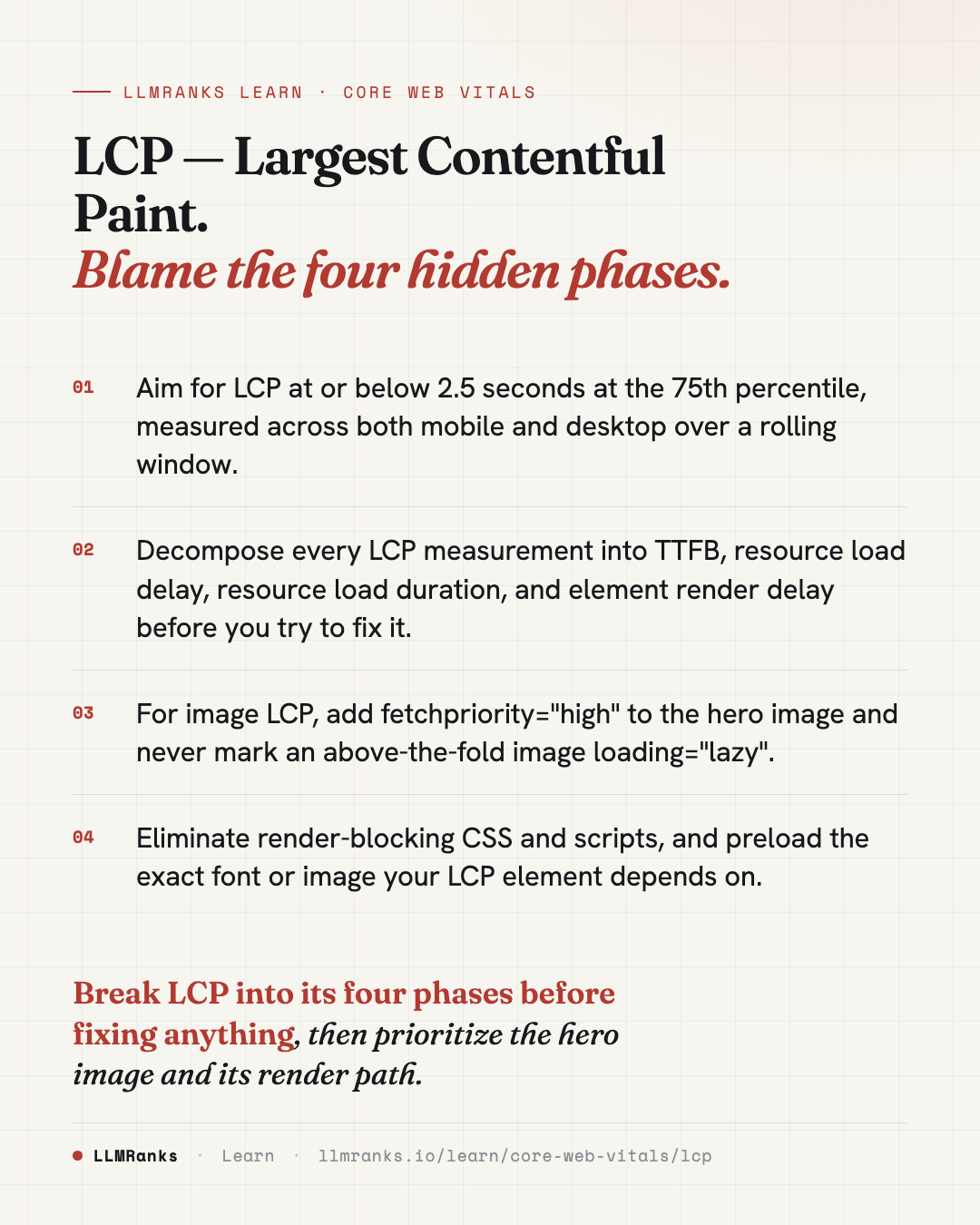 Download card
1080×1350 · post it anywhere
put it to work
See how ChatGPT, Gemini and Google AI actually talk about your brand.